What an AI thumbnail maker does
Most AI thumbnail tools combine three jobs. A language model reads your idea or title and decides what the image should show. An image model generates the scene, the subject or a stylised background. A layout step places text, badges and arrows so the result reads at the small sizes where YouTube viewers decide what to watch.
The value is speed of exploration. Instead of building one design by hand, you can compare several directions for the same video before committing. That matters because the strongest thumbnail is rarely the first idea, and testing directions is how experienced creators improve their packaging.
What AI does well, and where it still struggles
AI is good at generating backgrounds and scenes, restyling a subject, producing many variations quickly and suggesting concepts you might not have considered.
AI still struggles with spelling and lettering inside images, keeping a person’s likeness consistent, respecting a channel’s existing style and knowing what will read at 168 pixels wide. It also has no idea whether a thumbnail honestly represents the video, which is the creator’s job.
That is why Thumio separates the two. Generated imagery provides the scene and subject. Text, badges and layout are real, editable layers rendered with typography built for readability, the same system that powers the free maker.
How Thumio’s AI maker is designed to work
This is the planned workflow. We will update this page as each part ships.
- 1
Describe the video
Write the idea in a sentence, the way you would pitch it to a friend. Optionally add the title you plan to use.
- 2
Get concepts in distinct directions
Thumio drafts several concepts for the same idea, each built on a layout designed to read at small sizes.
- 3
Edit layers, not pixels
Headline, badge and subject stay separate. Change a word, swap the palette or move the subject without starting over.
- 4
Check and export
Preview every concept in a simulated feed, then export a JPG or PNG at up to 3840 × 2160.
One idea, several directions
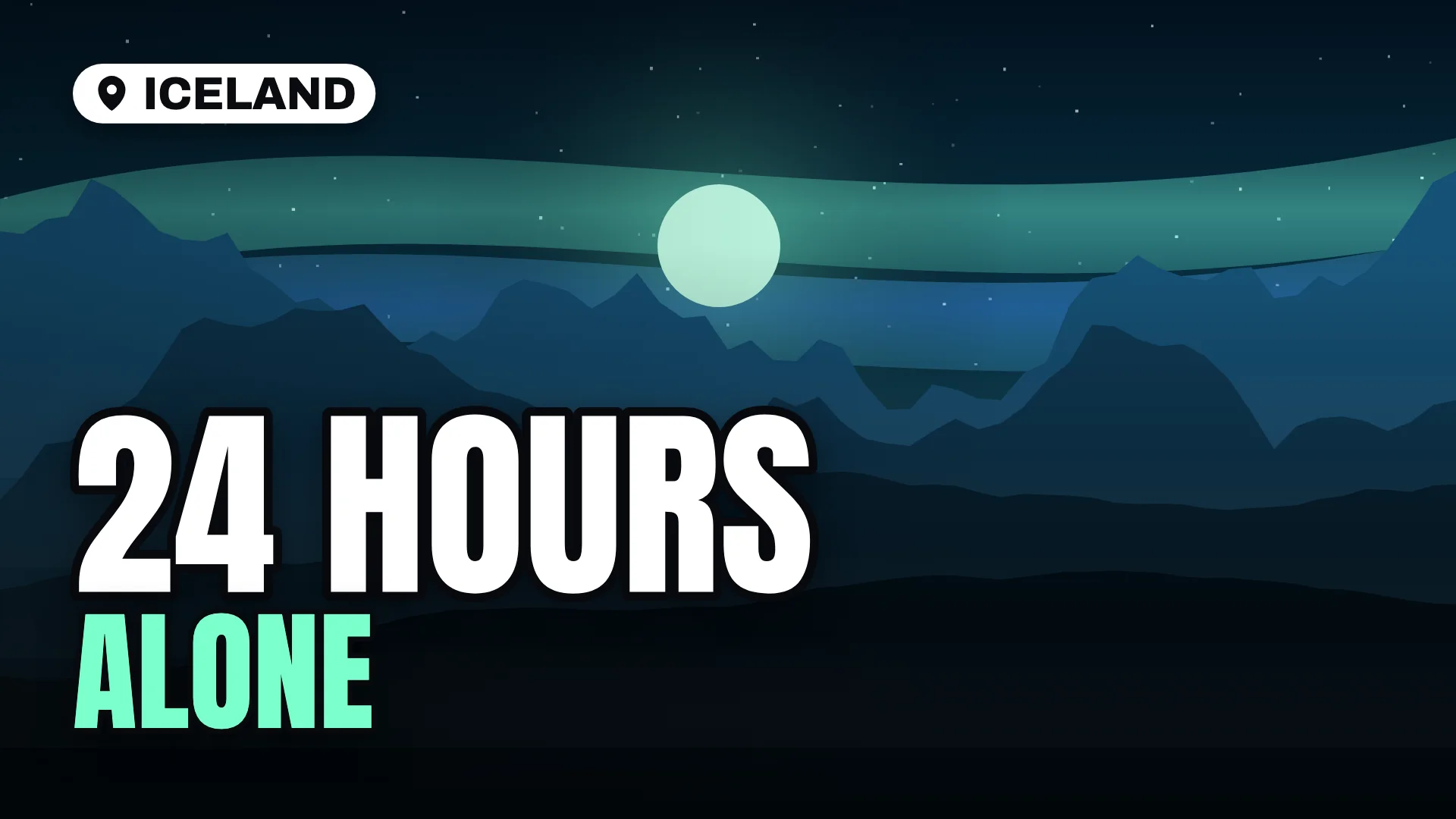
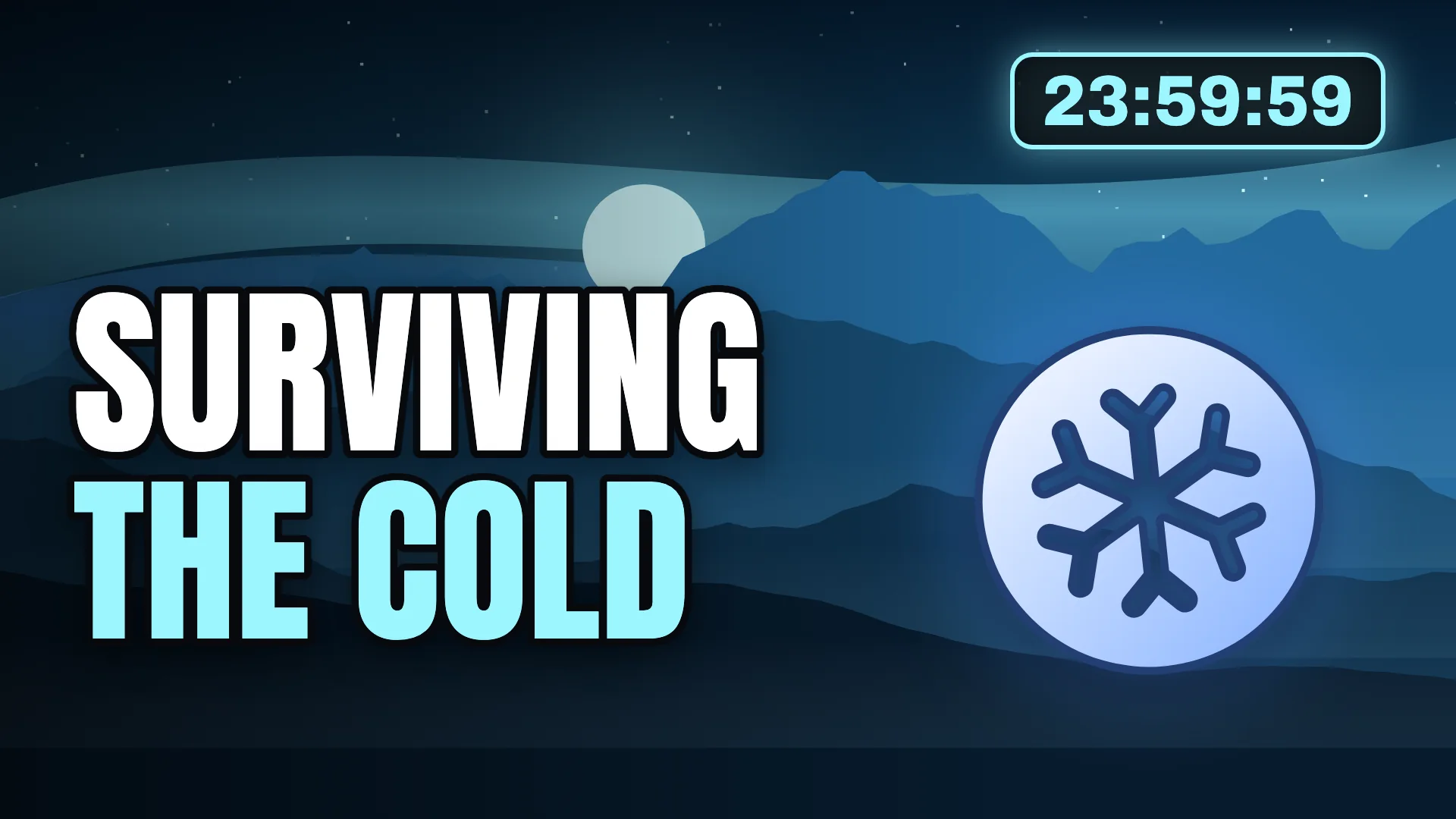
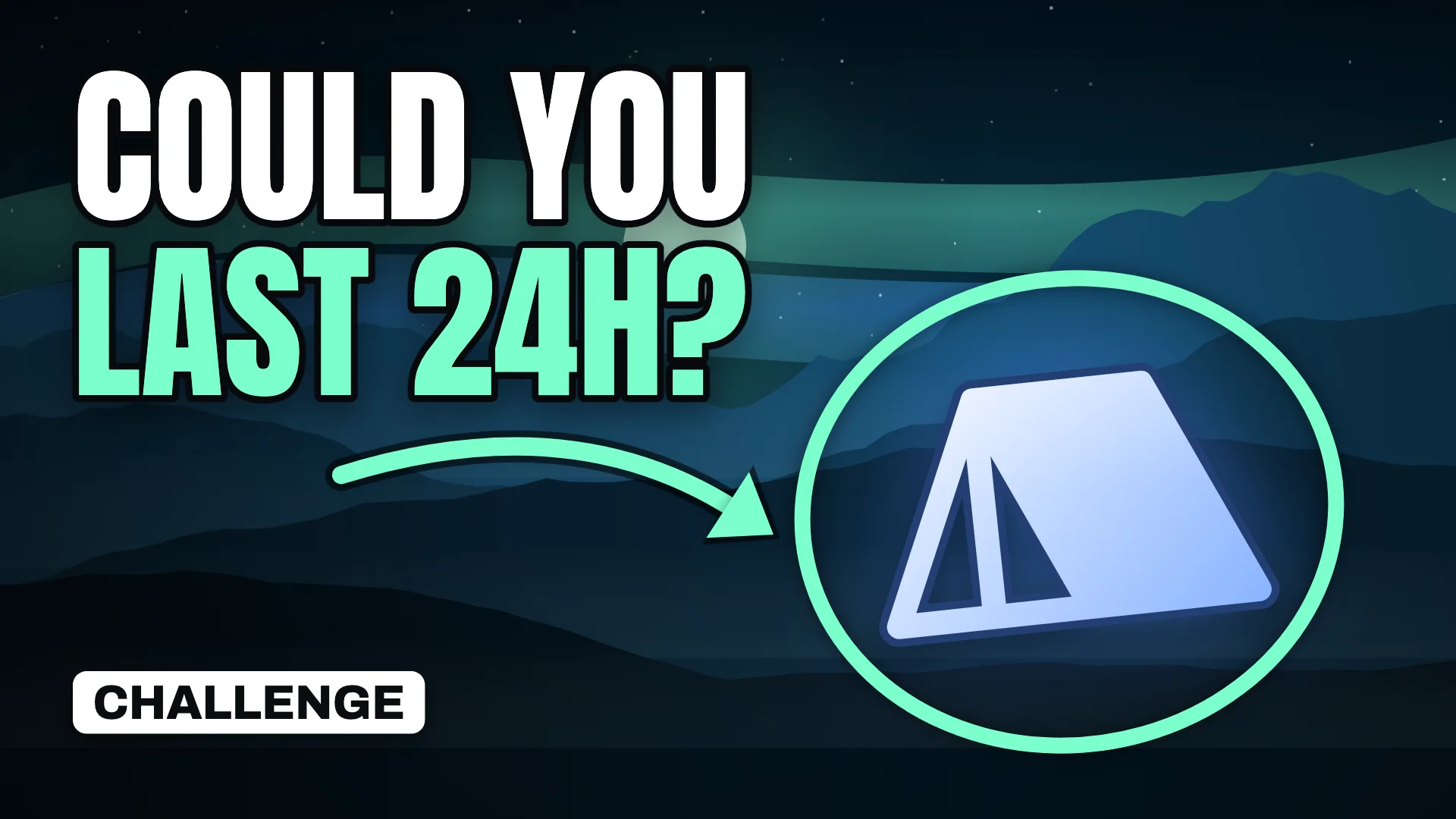
For the idea “24 hours alone in Iceland,” these three concepts were built by hand with today’s templates. The AI maker is designed to draft directions like these for you, then hand them over as editable layers.
Travel postcard
Countdown
Big question
Using AI thumbnails responsibly
- Represent the video honestly. A thumbnail that promises something the video does not deliver erodes trust and can break YouTube’s policies.
- Use faces with permission. Your own face is fine. Other people, especially real public figures, need care and consent.
- Check the details. Generated images can contain extra fingers, warped objects or garbled text. Inspect every concept before you publish.
- Keep a consistent style. AI makes it easy to produce wildly different looks. Viewers recognise channels by consistency, so reuse a palette and a few layouts.
What you can do today
While the AI maker is in development, you can design thumbnails with the free maker, start from ten templates, check them in the preview tool and learn the fundamentals in our guide to creating thumbnails with AI.