YouTube thumbnail makerYou imagine it.Thumio creates it.
Start from creator-ready templates, check your design in a realistic feed and export up to 4K. Free, in your browser.
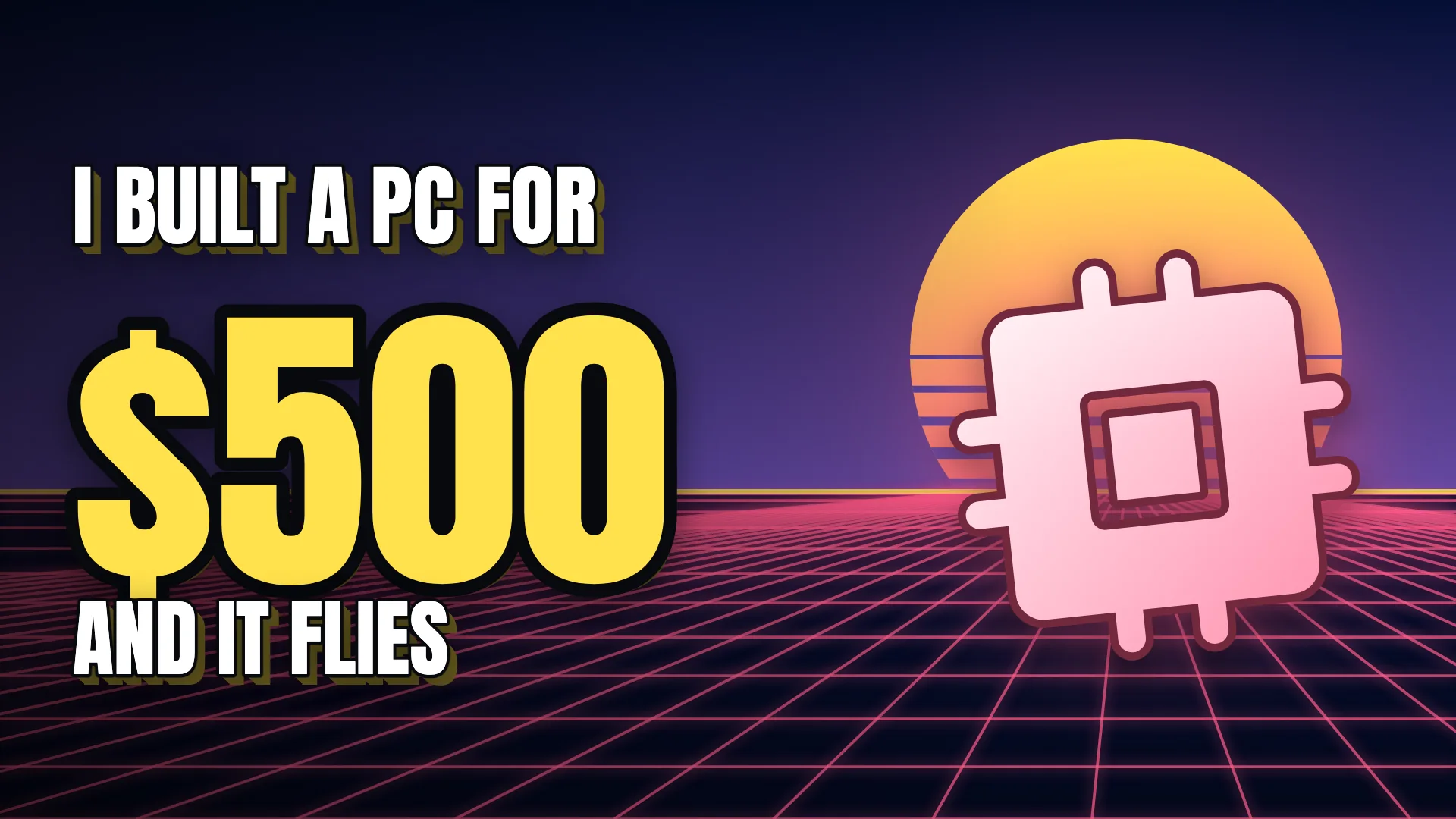
Video idea: “I built a gaming PC for $500”
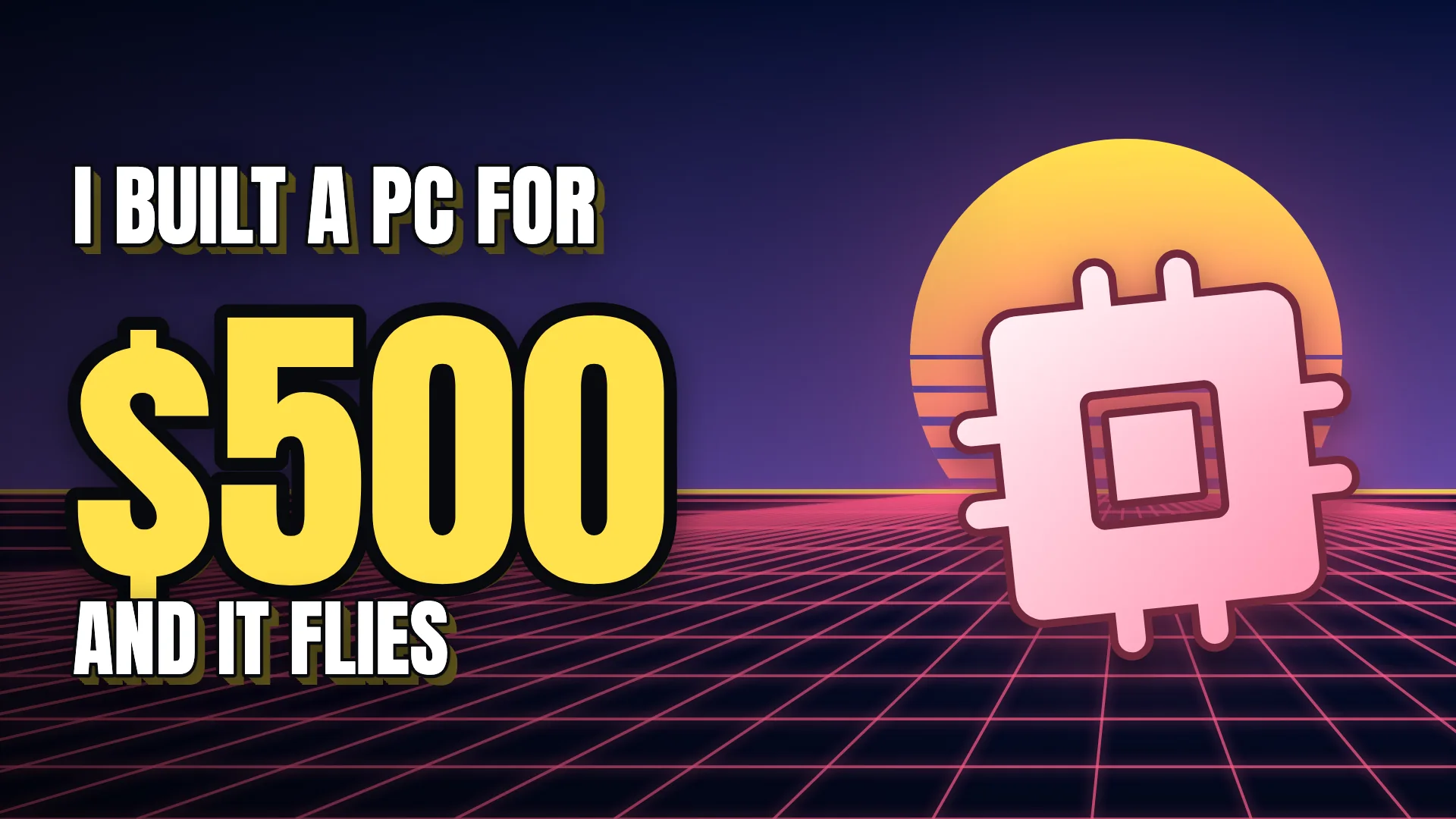
Big number
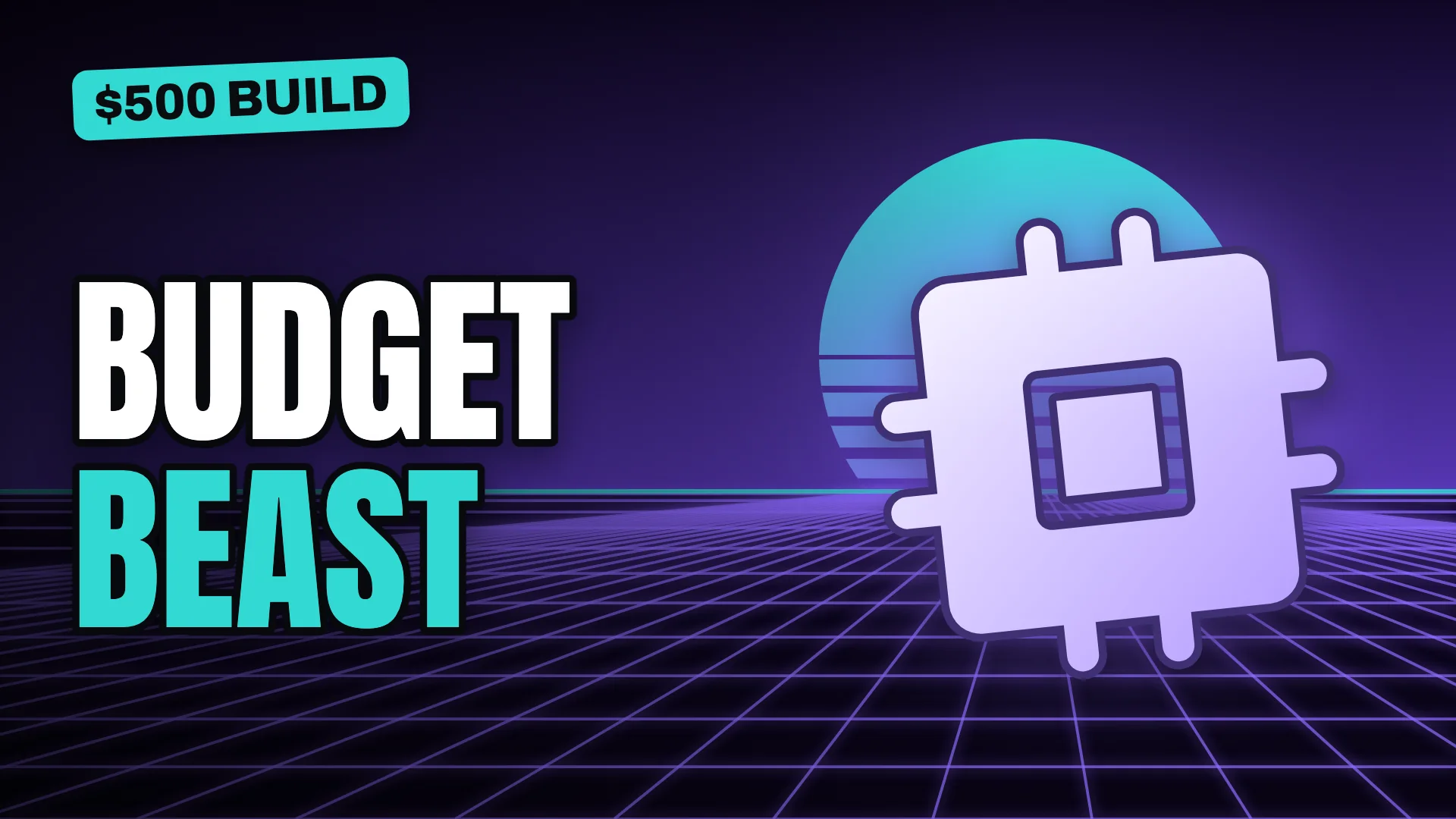
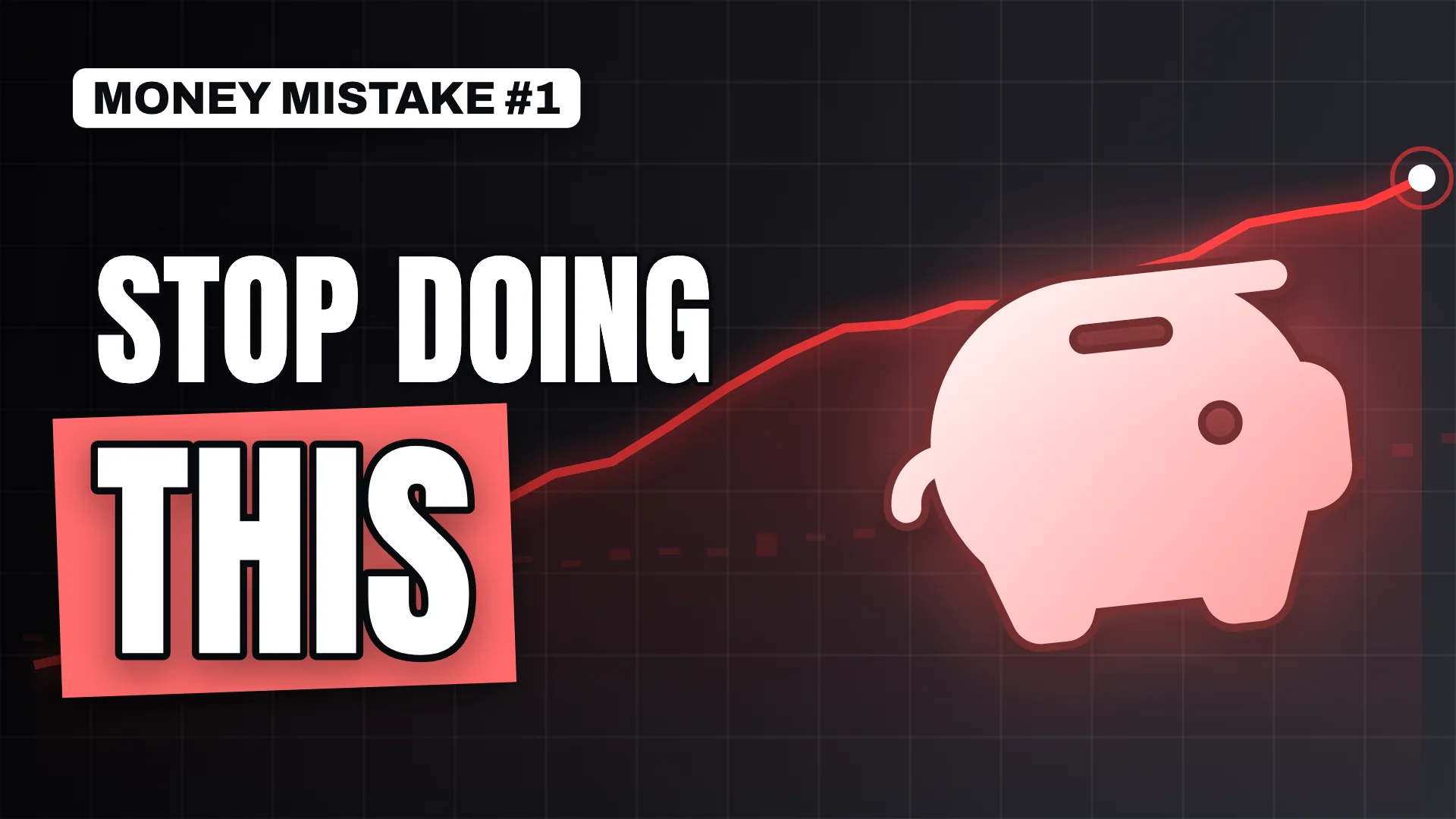
Bold statement
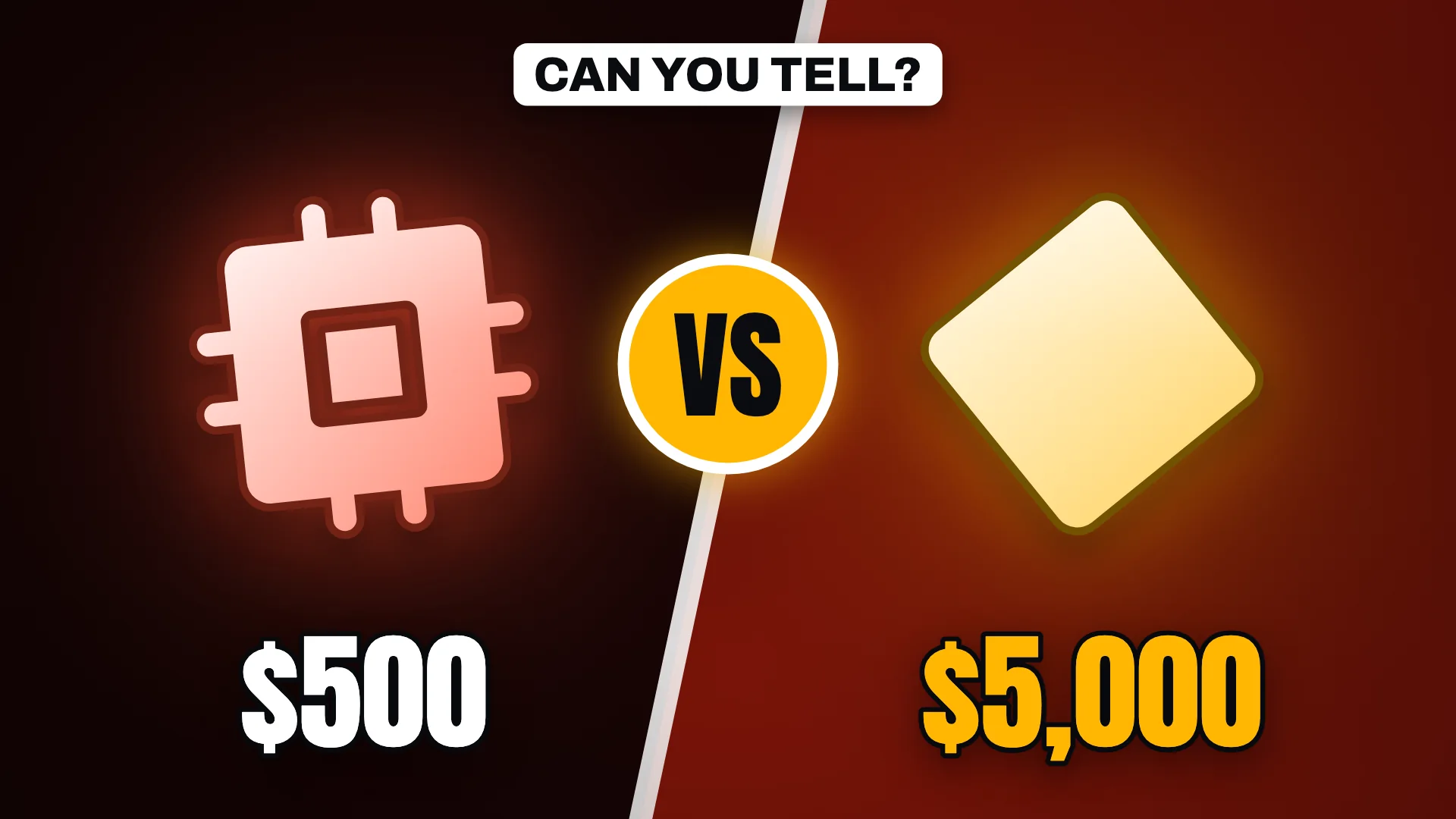
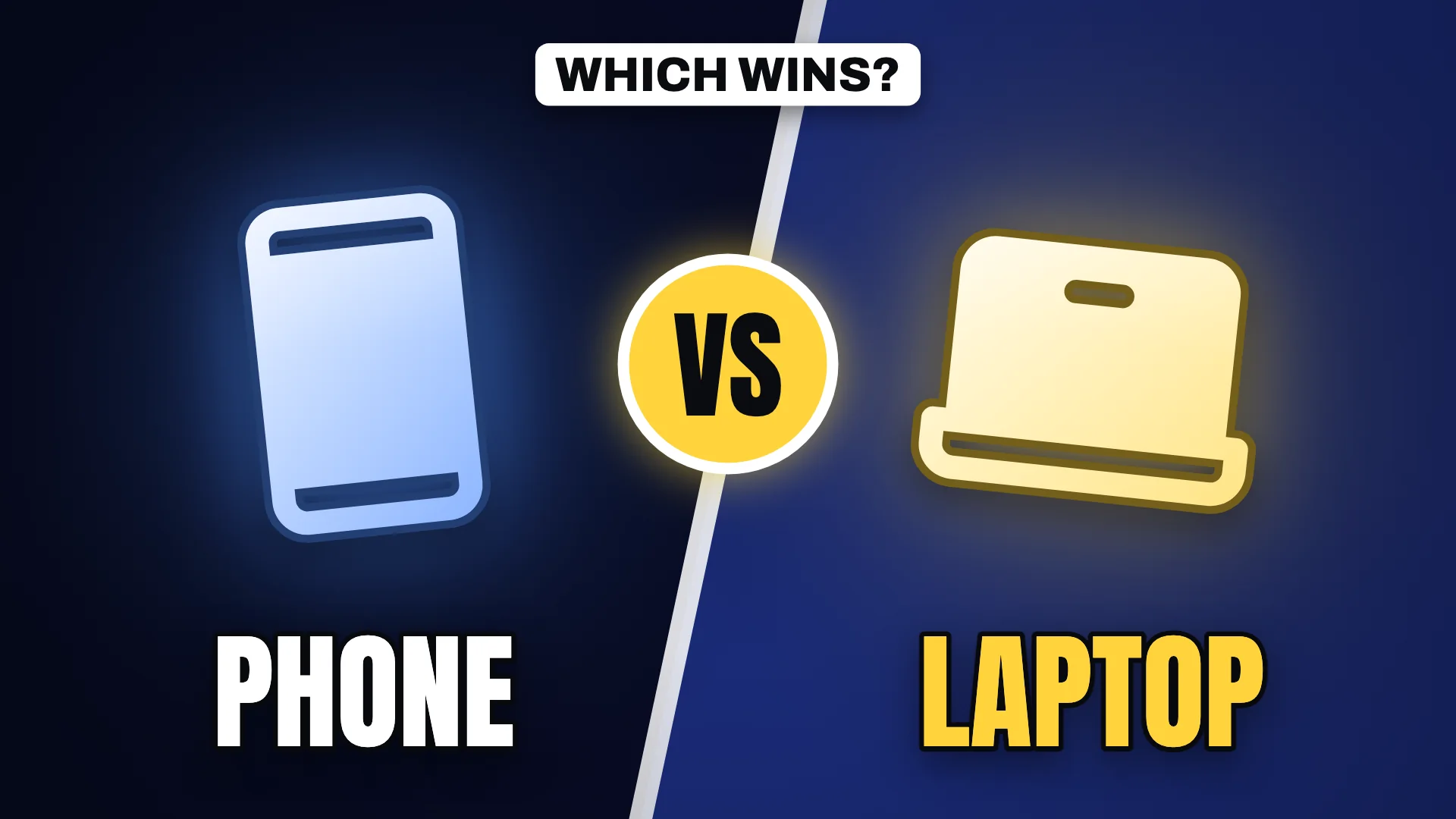
Versus
Thumbnails for every kind of channel
Illustrative examples made with Thumio's free templates. Open any of them in the maker and make it yours.
Small changes, a big difference in the feed
The same idea, before and after the fundamentals: hierarchy, contrast, subject separation and a cleaner background.
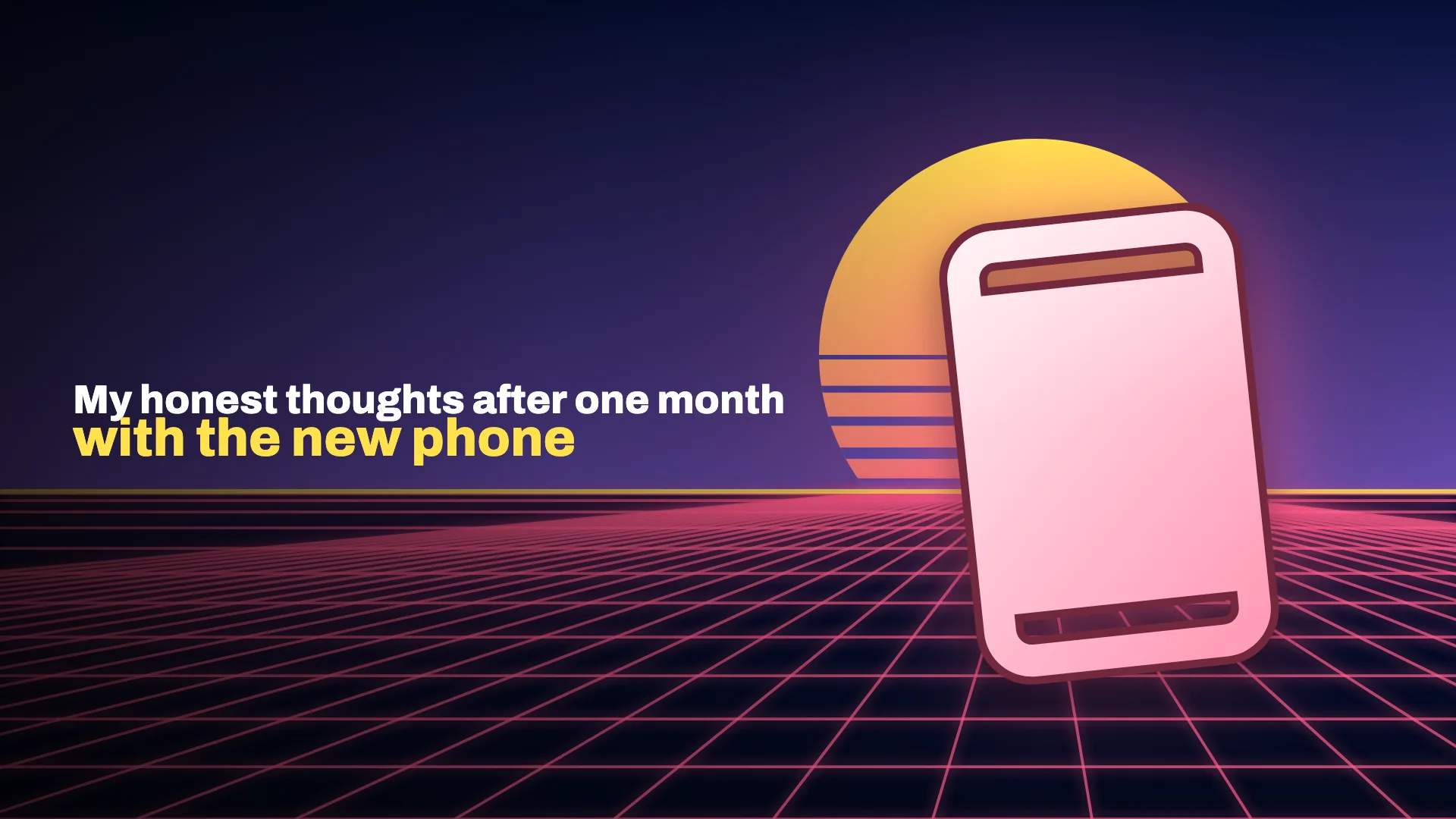
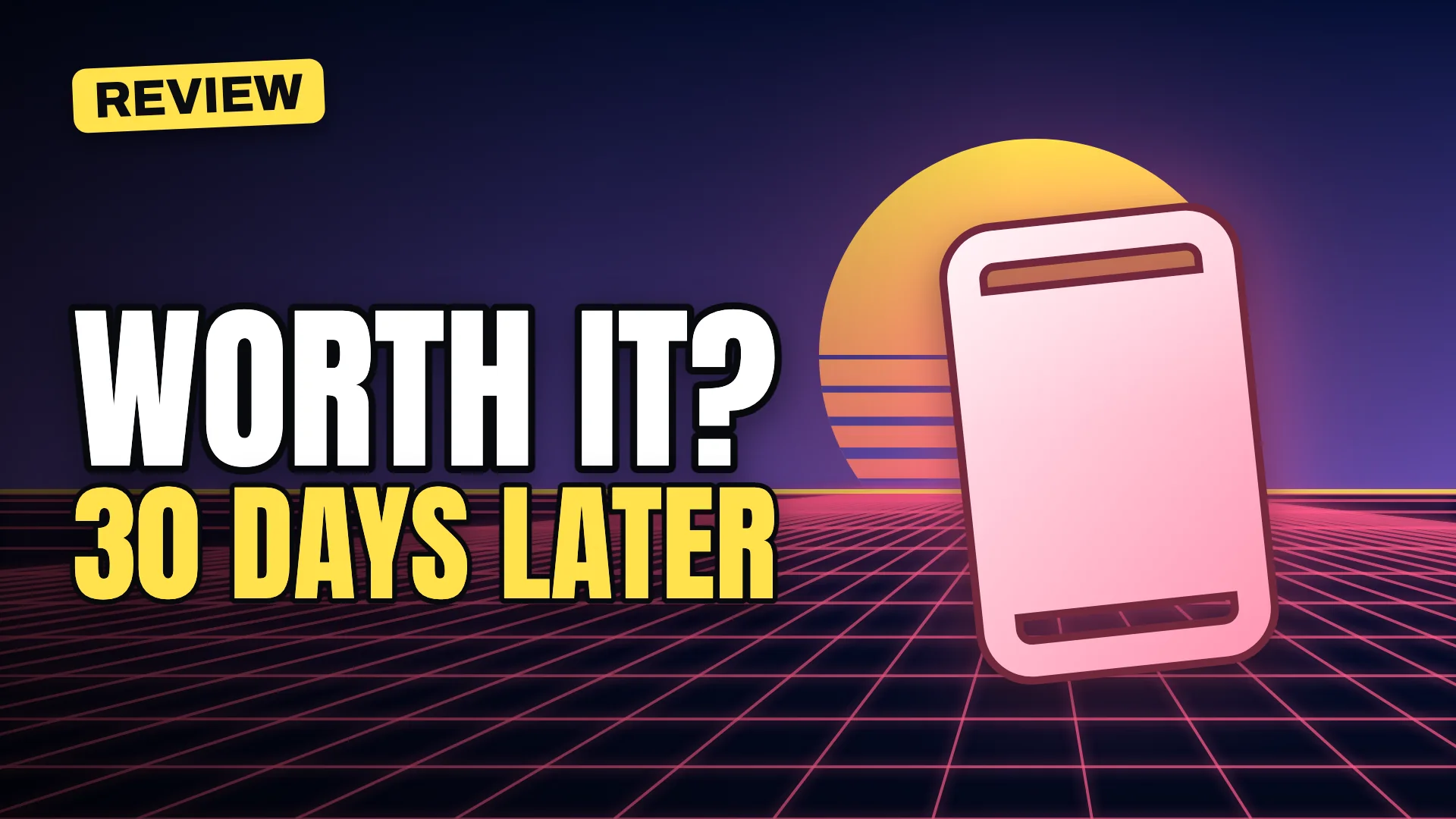
Drag the handle, or focus it and use the arrow keys.
Readability
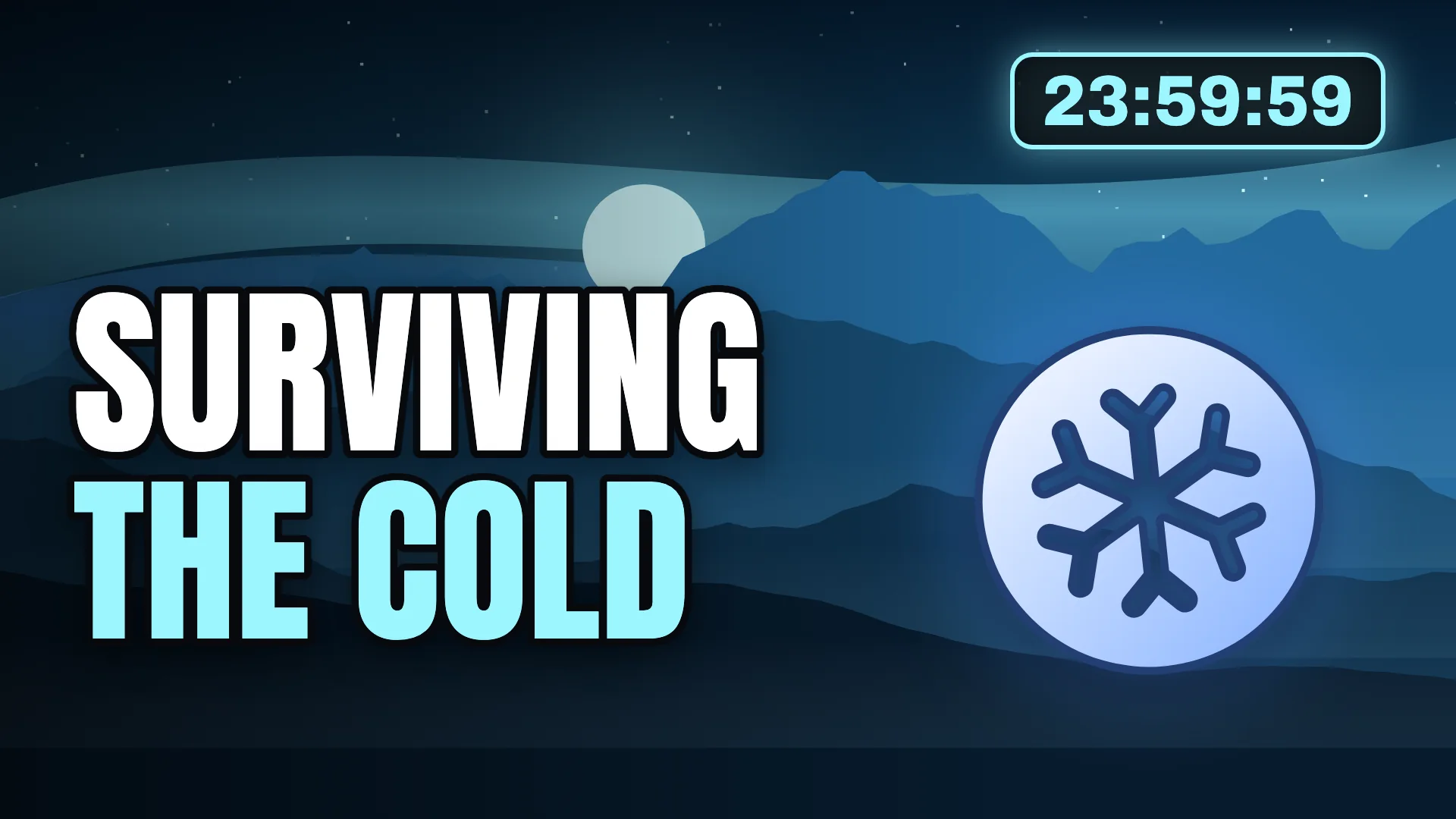
A long, thin sentence becomes a two-line hook that still reads at 168 pixels wide.
What improved
- Visual hierarchy
- Text readability
- Mobile-feed visibility
How Thumio works
What you can do today in the free maker, and what our AI will add next.
Describe your idea
Available nowPick the layout that fits your video and type your hook. Ten templates cover the formats creators use most.
In developmentDescribe the video in a sentence and Thumio's AI drafts the first concepts for you.
Explore thumbnail concepts
Available nowSwitch layout, palette, background and subject in one click to compare directions side by side.
In developmentGenerate variations of one idea in distinct styles, from cinematic to minimal.
Refine and download
Available nowEdit the text, add your own photo, check the design in a realistic feed and export PNG or JPG up to 3840 × 2160.
In developmentAsk for edits in plain language, such as making the background darker or moving the subject.
Everything a thumbnail needs
Each feature is marked as available now or in development, so you always know what you can use today.
- In development
AI Thumbnail Generation
Describe a video and get editable thumbnail concepts, built on the same layouts and type rules you can use today.
Thumbnail Editing
Change the text, colours, background and subject in the free maker. No design software needed.
Available nowReference Image Workflows
Use your photos and past thumbnails as references to keep a consistent channel style.
In development- Available now
Creator Templates
Ten layouts built around how creators package videos.
- Available now
Thumbnail Variations
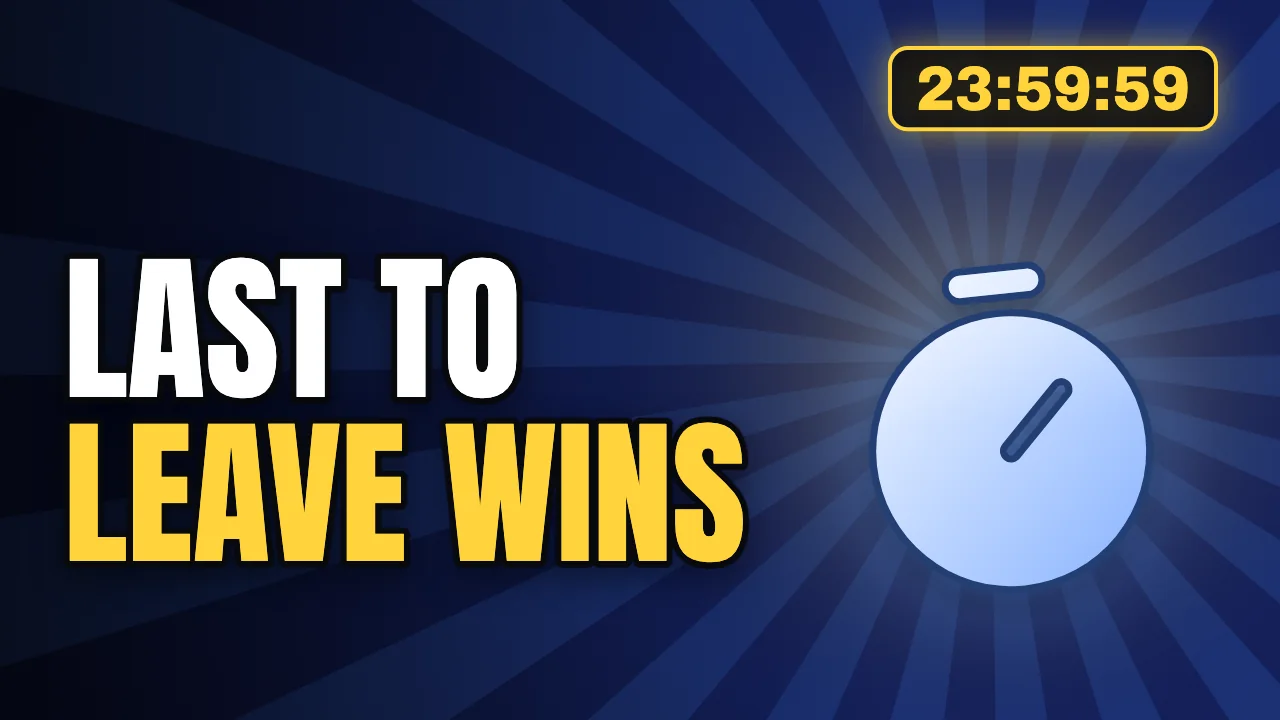
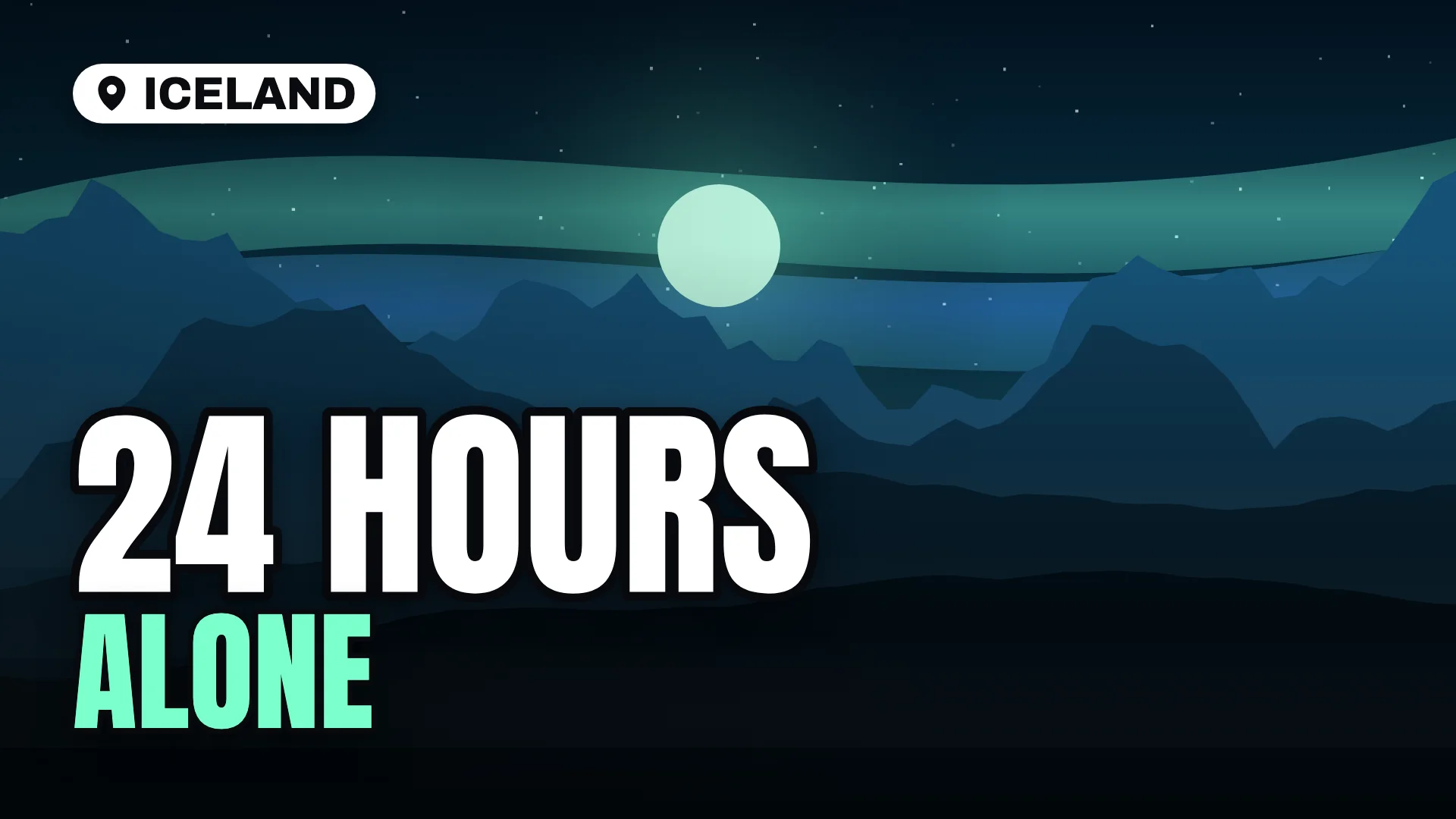
Swap layout, palette, scene and subject in one click to compare directions before you commit.
Background Editing
Clean up, replace or relight the background around your subject.
In developmentText and Typography
Heavy display type with outlines, shadows and auto-fit sizing for small screens.
Available now- Available now
Thumbnail Preview
See your thumbnail in a simulated desktop and mobile feed, next to other videos, before you publish.
Same design at sidebar size
Thumbnail Analysis
Plain-language feedback on readability, contrast and focus. No invented click-through predictions.
In development- Available now
Export Options
PNG or JPG at 1280 × 720, 1920 × 1080 or 3840 × 2160, with the file size shown first.
3840 × 2160
See it the way viewers will
Drop in a thumbnail and check it in a simulated desktop or mobile feed, at real display sizes, next to other videos.
Drop your thumbnail here, paste it, or choose a file
JPG, PNG, WebP or GIF up to 50 MB. Processed in your browser and never uploaded.
Showing a sample thumbnail so you can explore the preview. Your upload replaces it.
Desktop feed preview, dark theme.
 12:48
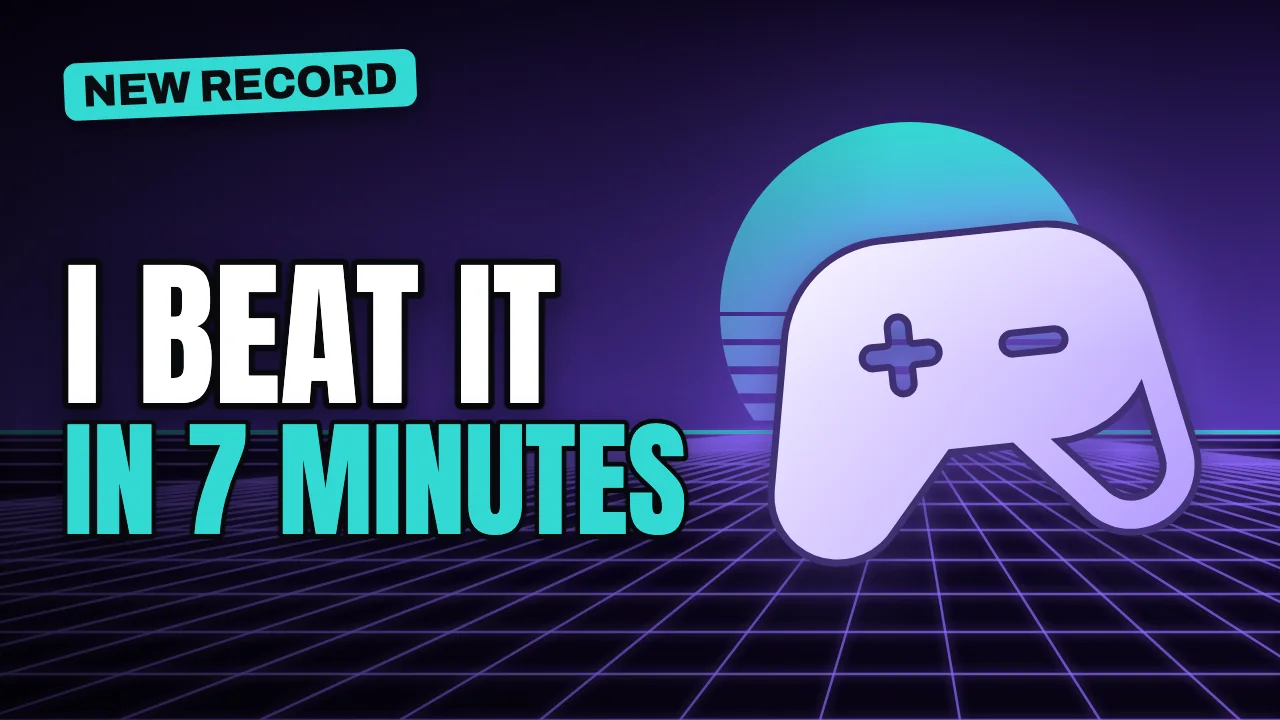
I Beat It in 7 Minutes and Set a New Record
Example channel
Illustrative sample
12:48Your video title goes here so you can check how it reads
Your Channel
Preview only
 8:03
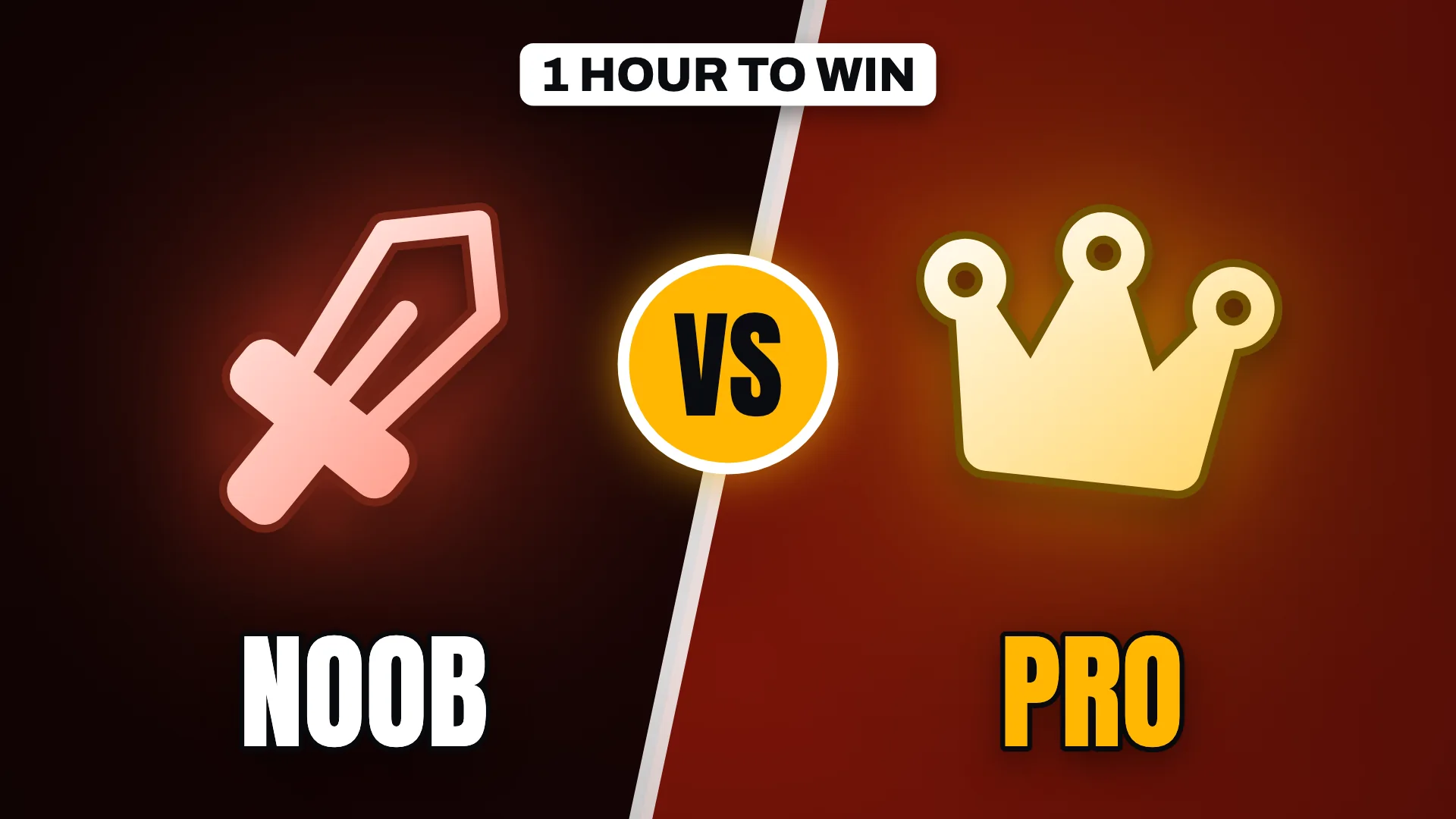
Noob vs Pro: One Hour to Win
Example channel
Illustrative sample
 21:15
I Built a Gaming PC for $500 and It Flies
Example channel
Illustrative sample
 5:42
Can a Phone Replace a Laptop for a Week?
Example channel
Illustrative sample
 16:09
How I Made My First $10K Month Online
Example channel
Illustrative sample
Up next
 10:31
Stop Doing This With Your Money
Example channel
Illustrative sample
12:48Your video title goes here so you can check how it reads
Your Channel
Preview only
21:15I Built a Gaming PC for $500 and It Flies
Example channel
Illustrative sample
Simulated layout for design checks. Not connected to YouTube and shows no real data.
Compare display sizes
Approximate widths in CSS pixels. Real sizes vary by screen and layout.
12:4812:4812:4812:4812:48Built for the way you publish
Different channels package videos differently. Start from the layout that fits yours.
Skip the blank canvas
Start from a layout that already follows the rules of a readable thumbnail. Swap in your words, add your photo and export at the size YouTube recommends.

Questions creators ask
More detail in our thumbnail size guide and guides.
What is Thumio.app?
Thumio.app is a browser-based YouTube thumbnail studio with free creator templates, a feed preview tool and exports up to 3840 × 2160, with AI concept generation in development. It is an independent product and is not affiliated with Thumio.com, Thum.io or YouTube.
How do I create a YouTube thumbnail with Thumio?
Open the free maker, choose a template, type your hook, adjust the palette or add your photo, then export. It takes a few minutes, runs entirely in your browser and needs no account.
What size should a YouTube thumbnail be?
YouTube recommends 3840 × 2160 pixels in a 16:9 aspect ratio, with a minimum width of 640 pixels. 1280 × 720 is still a common size. Thumio exports 1280 × 720, 1920 × 1080 and 3840 × 2160.
Which file formats can I upload as a thumbnail?
YouTube's help page lists image formats such as JPG and PNG. Files can be up to 2 MB when uploaded from mobile and up to 50 MB from a computer. Thumio exports JPG or PNG and shows the file size after you download.
How do I keep my thumbnail sharp and clear?
Design in 16:9 from the start, export at 1920 × 1080 or larger, limit the text to a few words and keep important details out of the bottom-right corner, where YouTube shows the video length.
Can Thumio create thumbnails with AI?
AI concept generation is in development. Today Thumio offers free templates, a maker and a feed preview. When the AI features launch they will produce editable concepts, not flat images, so you stay in control of the final design.
How can I make thumbnail text easier to read?
Use three to five words, a heavy typeface, strong contrast and an outline or shadow. Then check the design at about 168 pixels wide, roughly the size of a suggested video in the sidebar.
Can I use my own photos?
Yes. In the maker you can place a photo as the main subject or as the background. Cut-out PNGs with transparent backgrounds get a white outline automatically. Your photos are processed in your browser and are never uploaded.
How do I export my thumbnail?
Open the Export tab, choose 1280 × 720, 1920 × 1080 or 3840 × 2160, pick JPG or PNG and download. There is no watermark and no sign-up.
How do I choose the right thumbnail style?
Match the layout to the promise of the video. Big numbers suit prices and results, versus layouts suit comparisons, questions suit explainers and postcard layouts suit travel. Browse examples by niche to compare directions.
Your next thumbnail starts here.
Free, private and ready in minutes. No account, no watermark.