YouTube Thumbnail Templates
Ten free layouts built around the way creators package videos. Open any template in the maker, replace the text, add your photo and export a 16:9 thumbnail at up to 3840 × 2160.
All templates
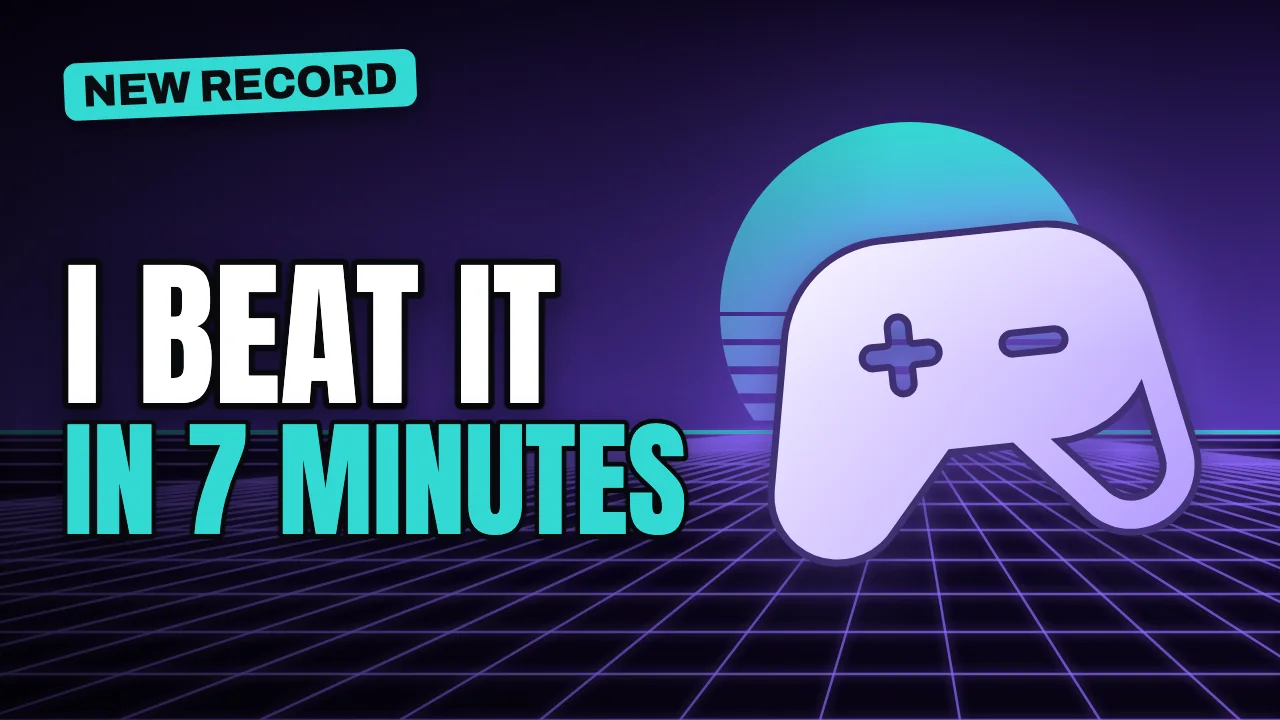
Bold Statement
A two-line headline on one side and a large, glowing subject on the other. The most versatile layout for almost any niche.
Best for gaming, technology, vlogs
Use this template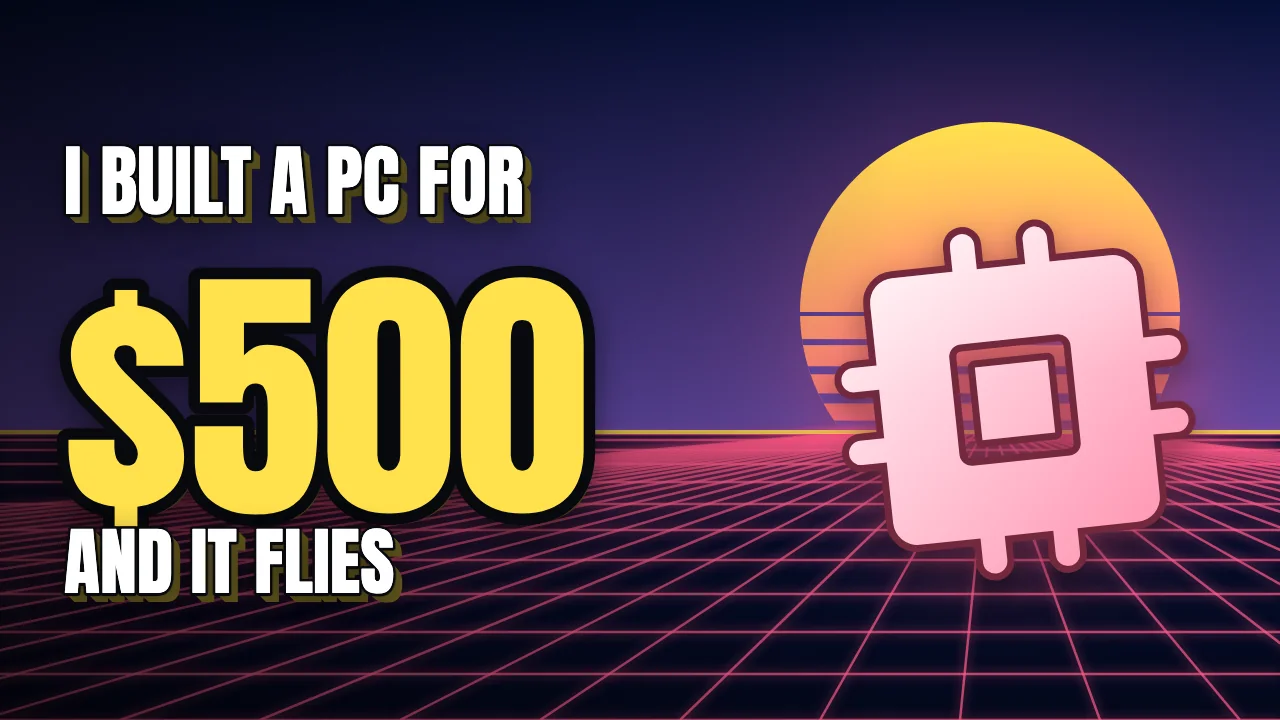
Big Number
One oversized figure carries the story. Built for prices, results, durations and rankings.
Best for finance, technology, challenges
Use this template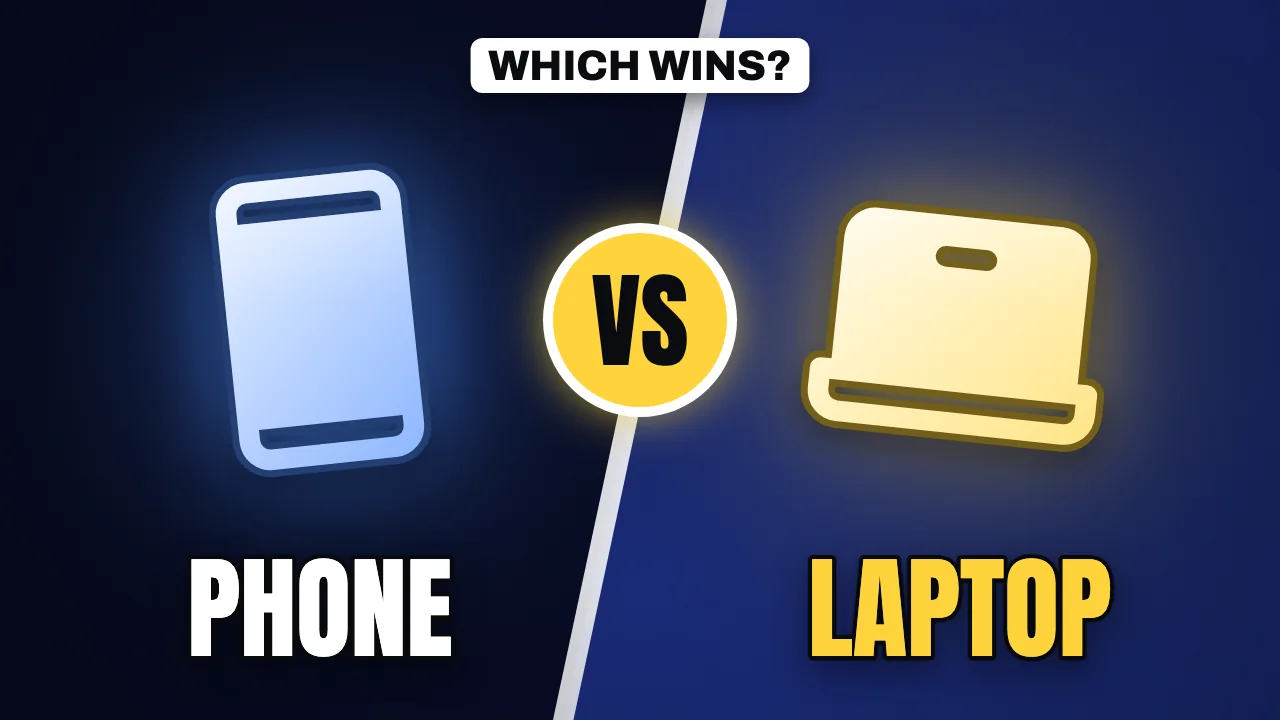
Versus
Two subjects face off across a split background, with a bold VS badge as the focal point.
Best for technology, gaming, challenges
Use this template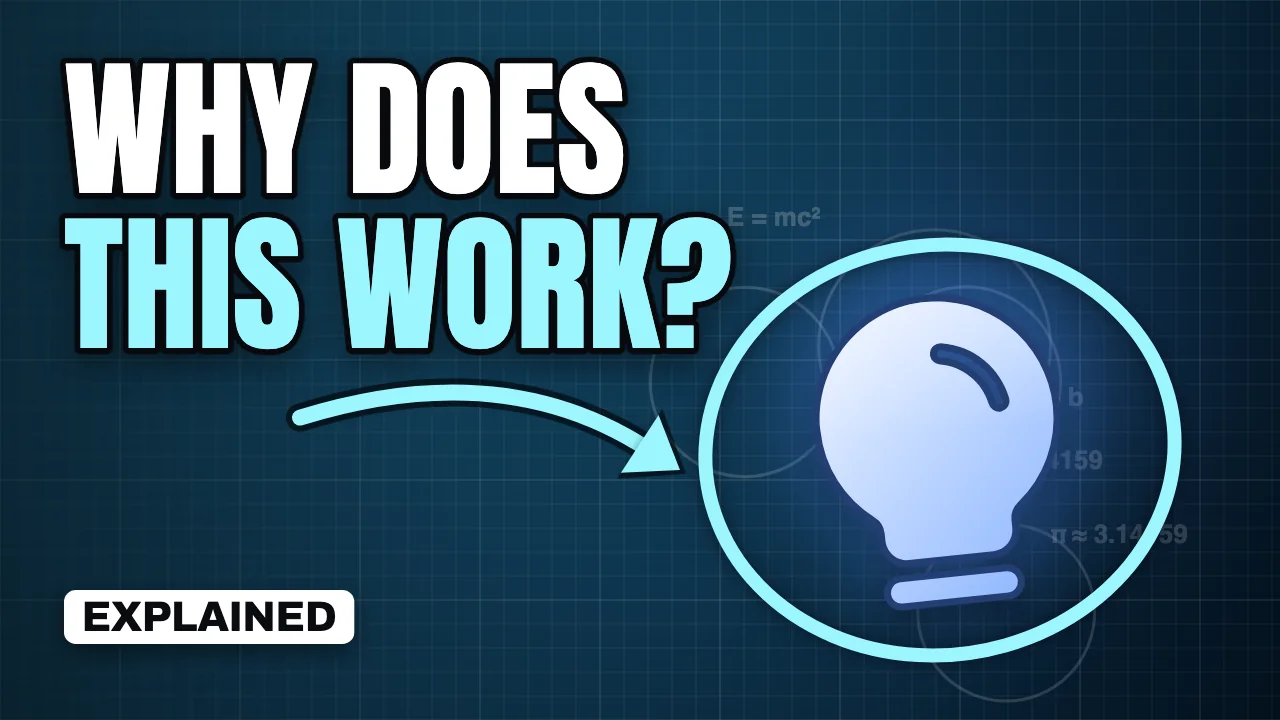
Big Question
A curiosity-driven question, with an arrow and a ring that point straight at the answer.
Best for education, reactions, vlogs
Use this template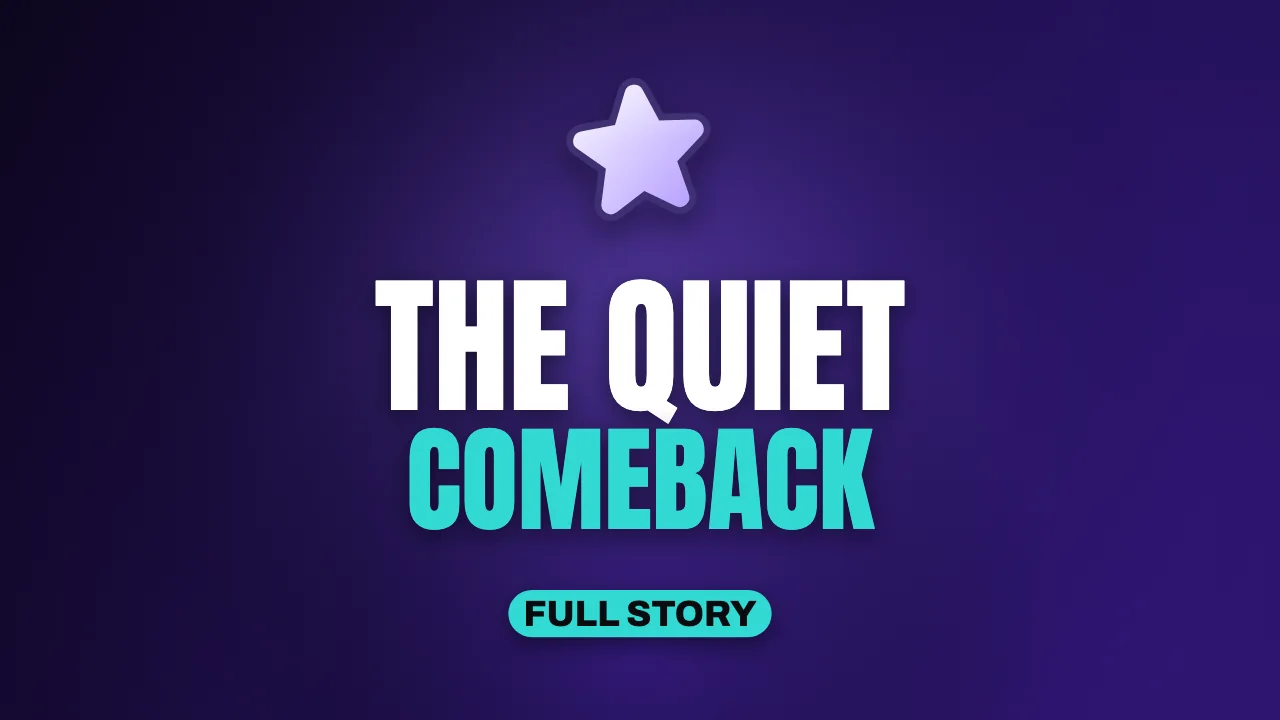
Clean Minimal
Centred type and generous space. Suits podcasts, essays and calm, premium channels.
Best for podcasts, education, entertainment
Use this template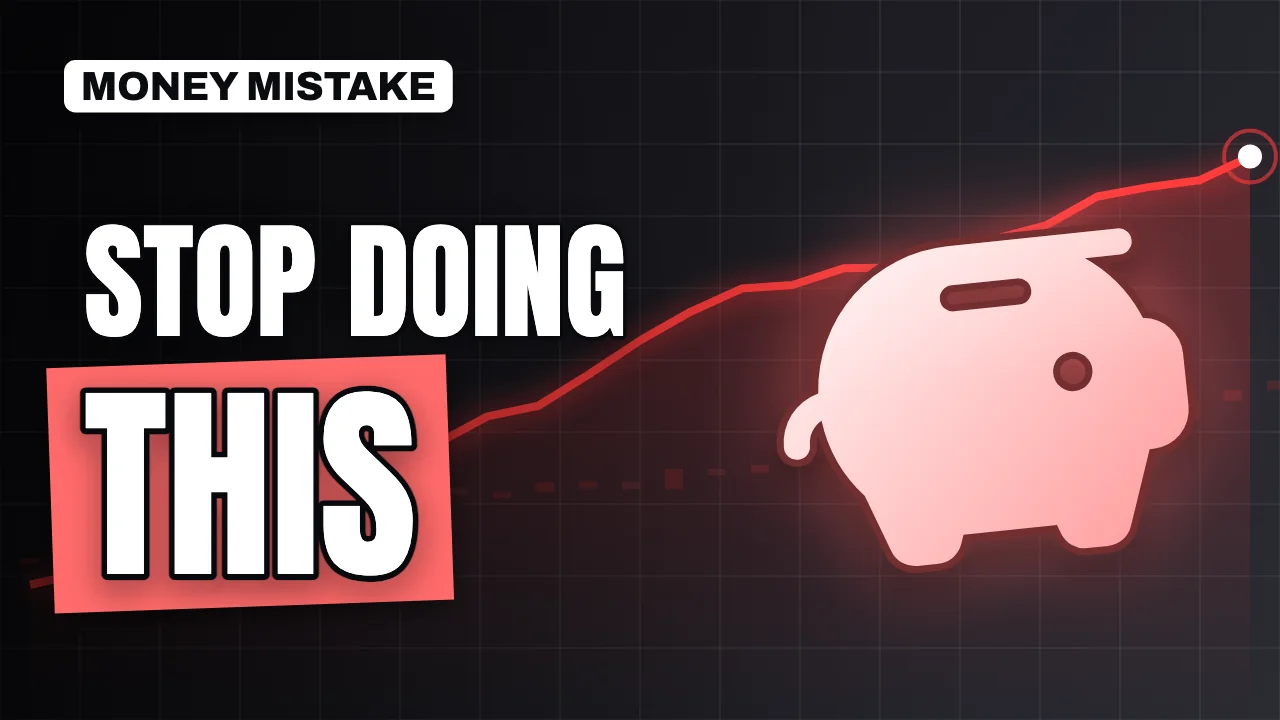
Stacked Words
A short phrase on top and one oversized word on a colour band below it.
Best for finance, entertainment, education
Use this template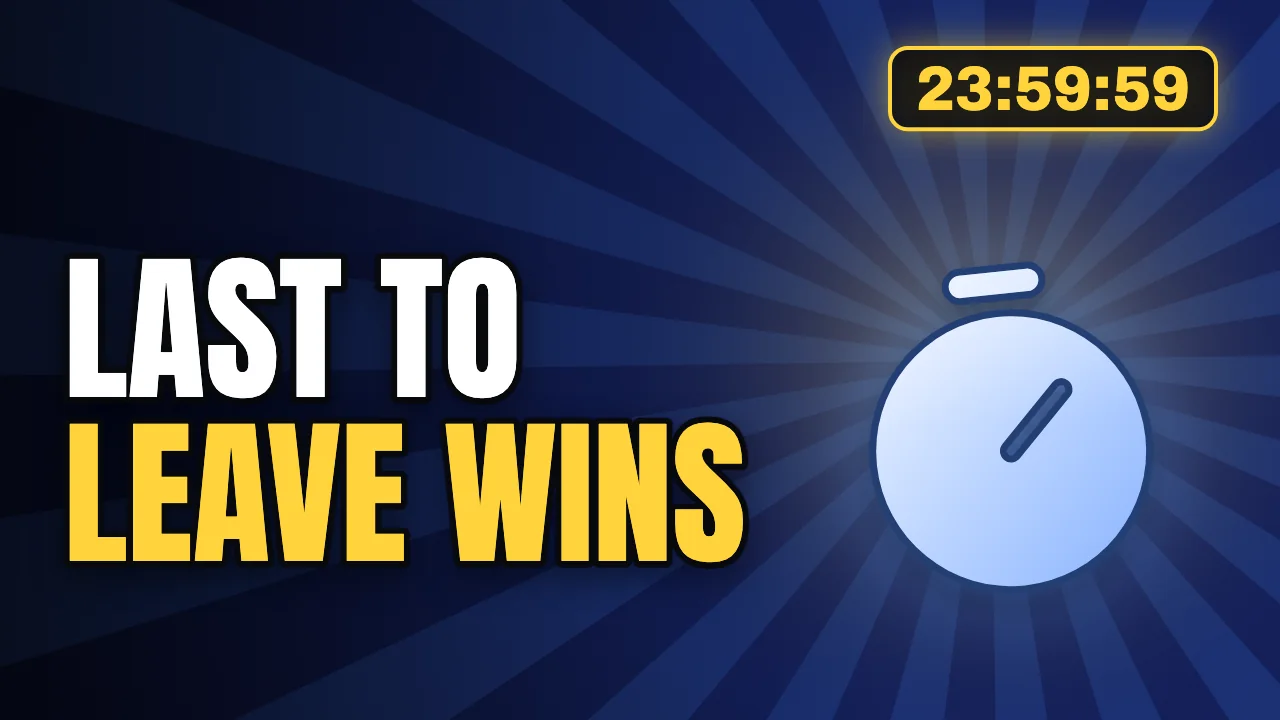
Countdown Challenge
A glowing timer badge adds urgency to challenges and time-boxed videos.
Best for challenges, gaming, vlogs
Use this template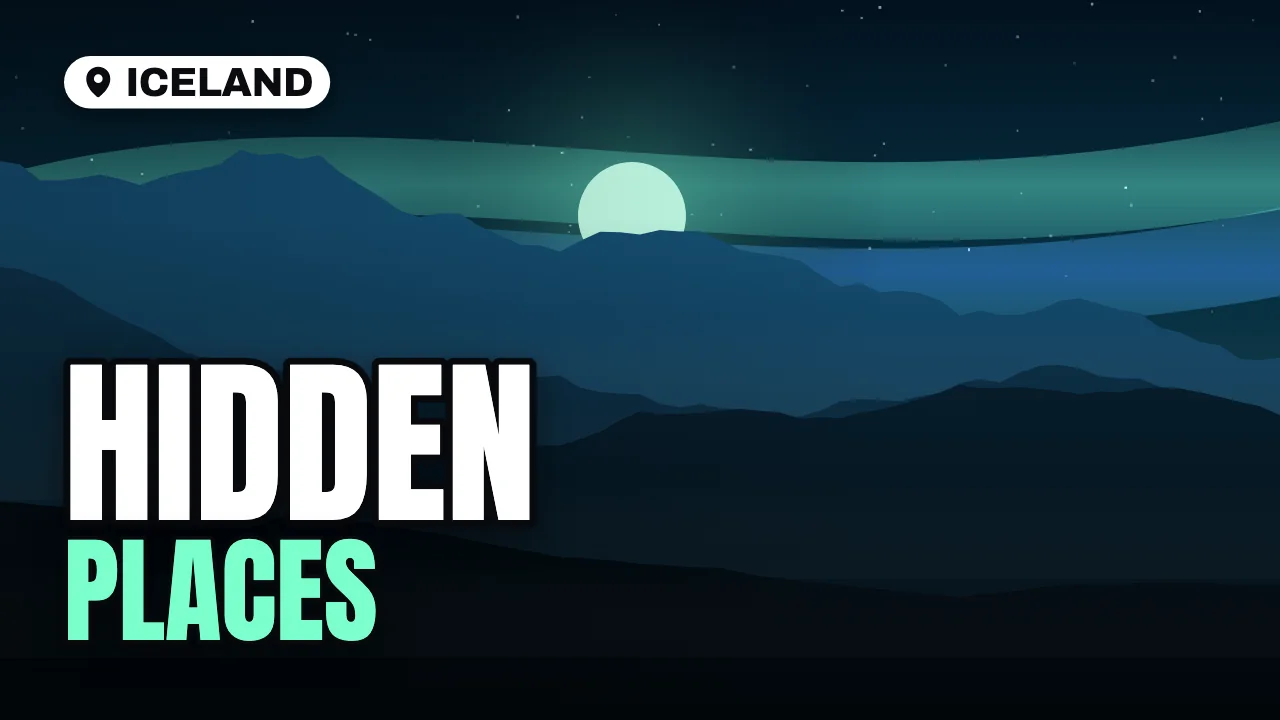
Travel Postcard
Full-bleed scenery, a location badge and a headline anchored low in the frame.
Best for travel, vlogs
Use this template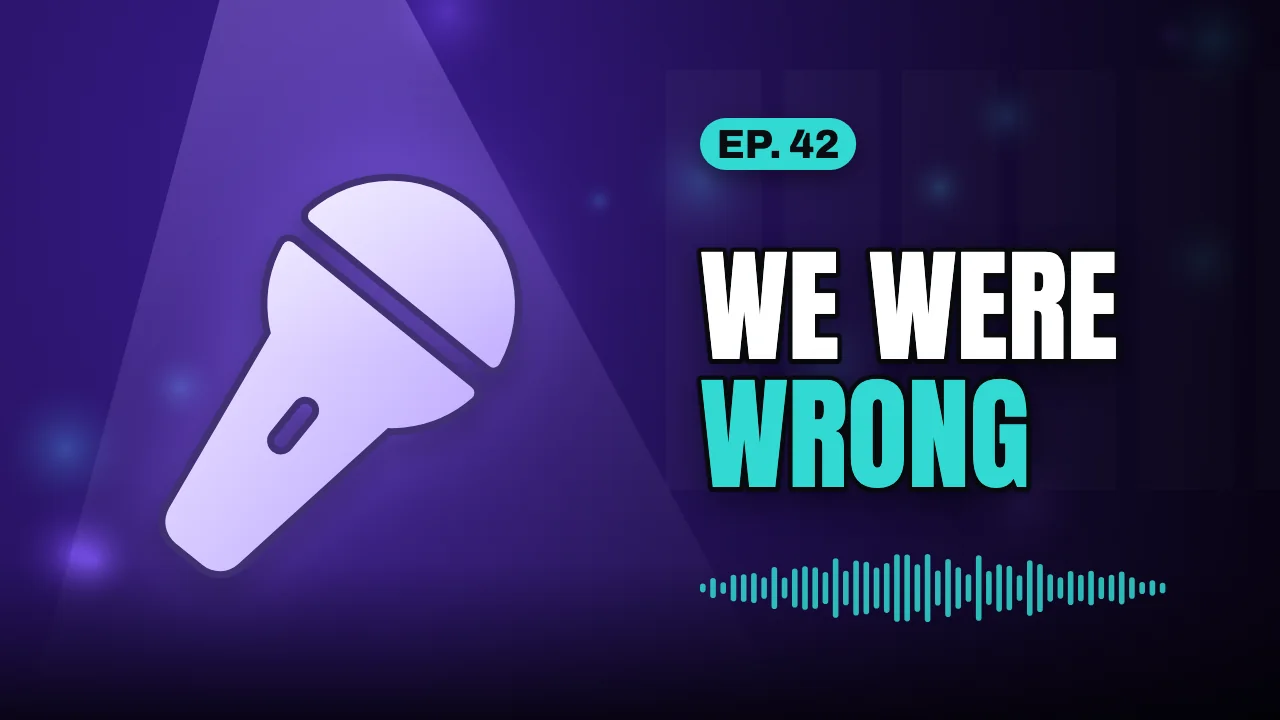
Podcast Episode
Studio lighting, an episode badge and a waveform for audio-first shows and clips.
Best for podcasts
Use this template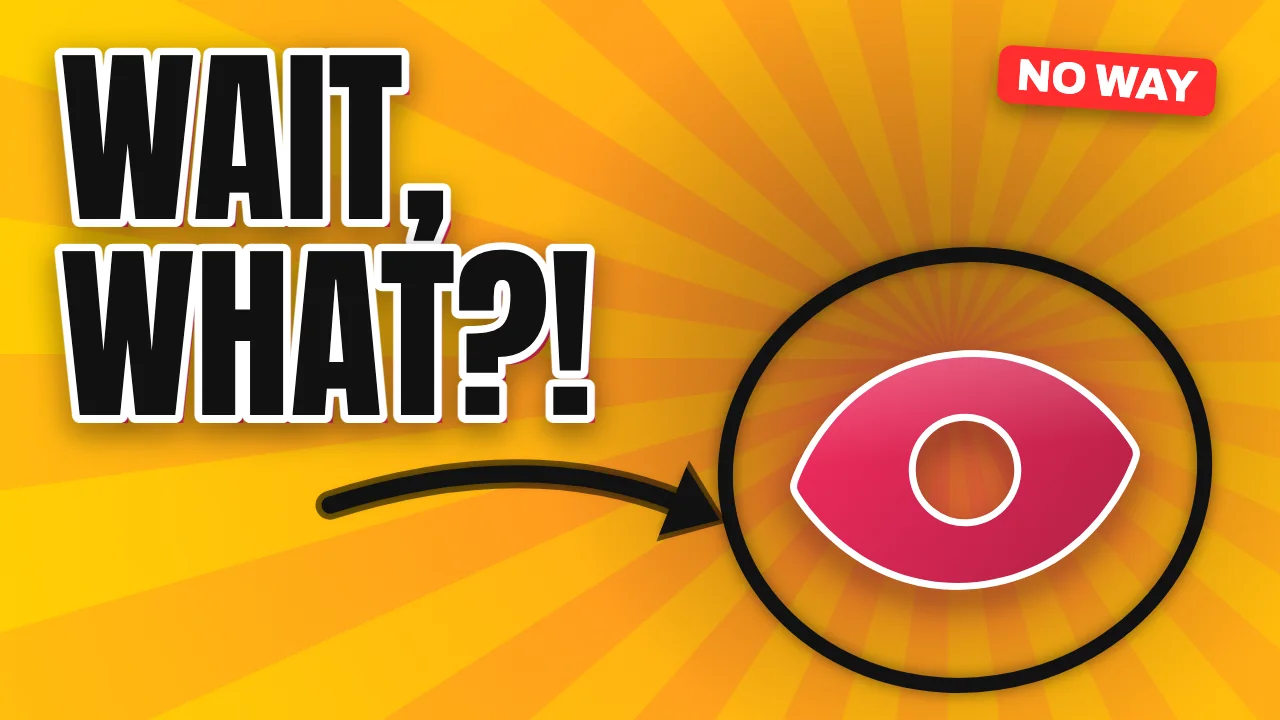
Reaction Burst
A huge two-word reaction, burst background and an arrow pointing at the moment.
Best for reactions, entertainment, gaming
Use this template
Examples by niche
Twenty illustrative thumbnails made from these templates. Filter by channel type and open any example in the maker.
How to choose a thumbnail template
A thumbnail makes one promise. The template you choose should make that promise easy to see before anyone reads the title. Start with the strongest element of your video:
- A number (a price, a time, a result): Big Number or Countdown Challenge.
- A comparison (two products, two outcomes): Versus.
- A question or a surprise: Big Question or Reaction Burst.
- A place: Travel Postcard.
- A conversation: Podcast Episode or Clean Minimal.
- A strong statement: Bold Statement or Stacked Words.
Make a template your own
Templates are starting points, not finished designs. Viewers recognise channels by consistency, so pick one palette and two or three layouts and reuse them across uploads. Swap the subject icon for your own photo once you have a cut-out you like: a PNG with a transparent background gets the white outline automatically.
For more direction, browse thumbnail ideas by niche or read our thumbnail design tips.
Templates FAQ
Are the thumbnail templates free?
Yes. All ten templates are free to open, edit and export at every size, with no watermark and no account.
Can I change the colours, background and subject?
Yes. Every template works with all twelve palettes and eleven background scenes, more than seventy subject icons, and your own photo as the subject or the background.
Can I use templates for monetised videos?
Yes. Thumbnails you make from Thumio templates are yours to use on your channel, including monetised videos. You need the rights to any photo you add.
Which template should I start with?
Pick the one that matches the promise of your video. Use Big Number for results and prices, Versus for comparisons, Big Question for explainers, Travel Postcard for destinations and Podcast Episode for long conversations.