Everything Thumio does, and what comes next
Thumio.app combines a free thumbnail maker, creator templates, a feed preview and YouTube-ready exports today. AI generation, AI editing and plain-language feedback are in development. Each feature below is labelled so you know which is which.
Feature overview
- In development
AI Thumbnail Generation
Describe a video and get editable thumbnail concepts, built on the same layouts and type rules you can use today.

Thumbnail Editing
Change the text, colours, background and subject in the free maker. No design software needed.
Available nowReference Image Workflows
Use your photos and past thumbnails as references to keep a consistent channel style.
In development- Available now
Creator Templates
Ten layouts built around how creators package videos.

- Available now
Thumbnail Variations
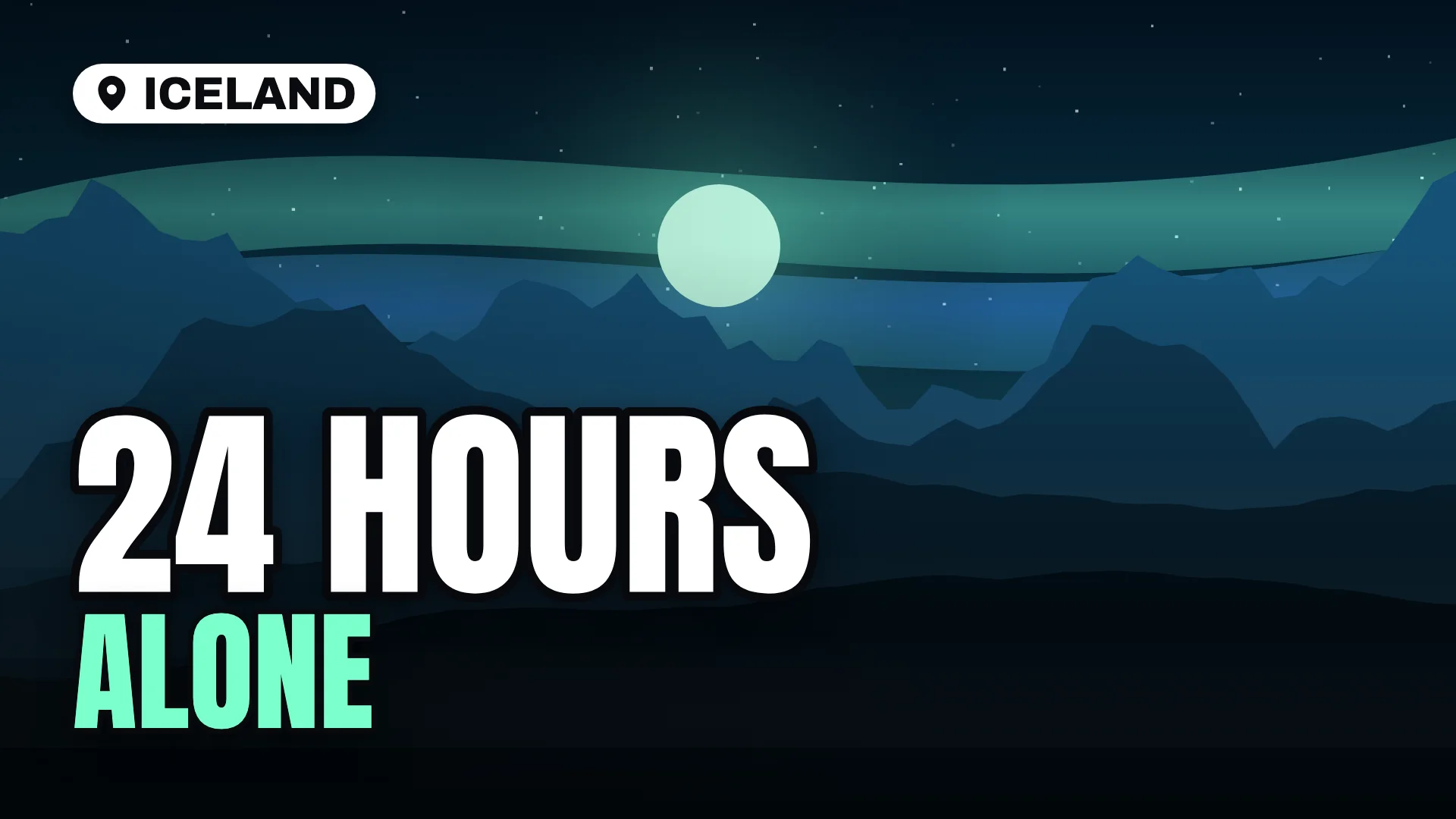
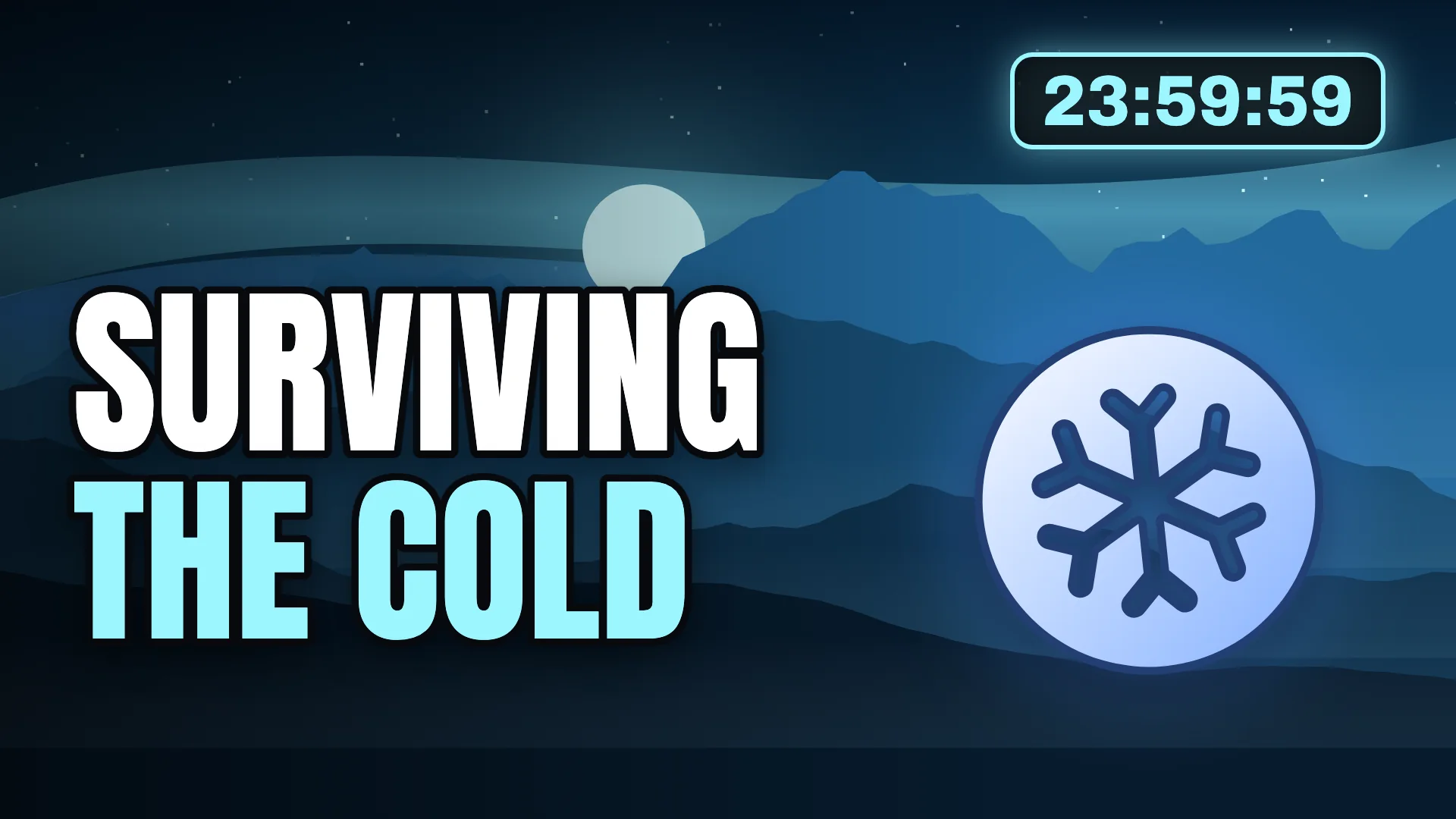
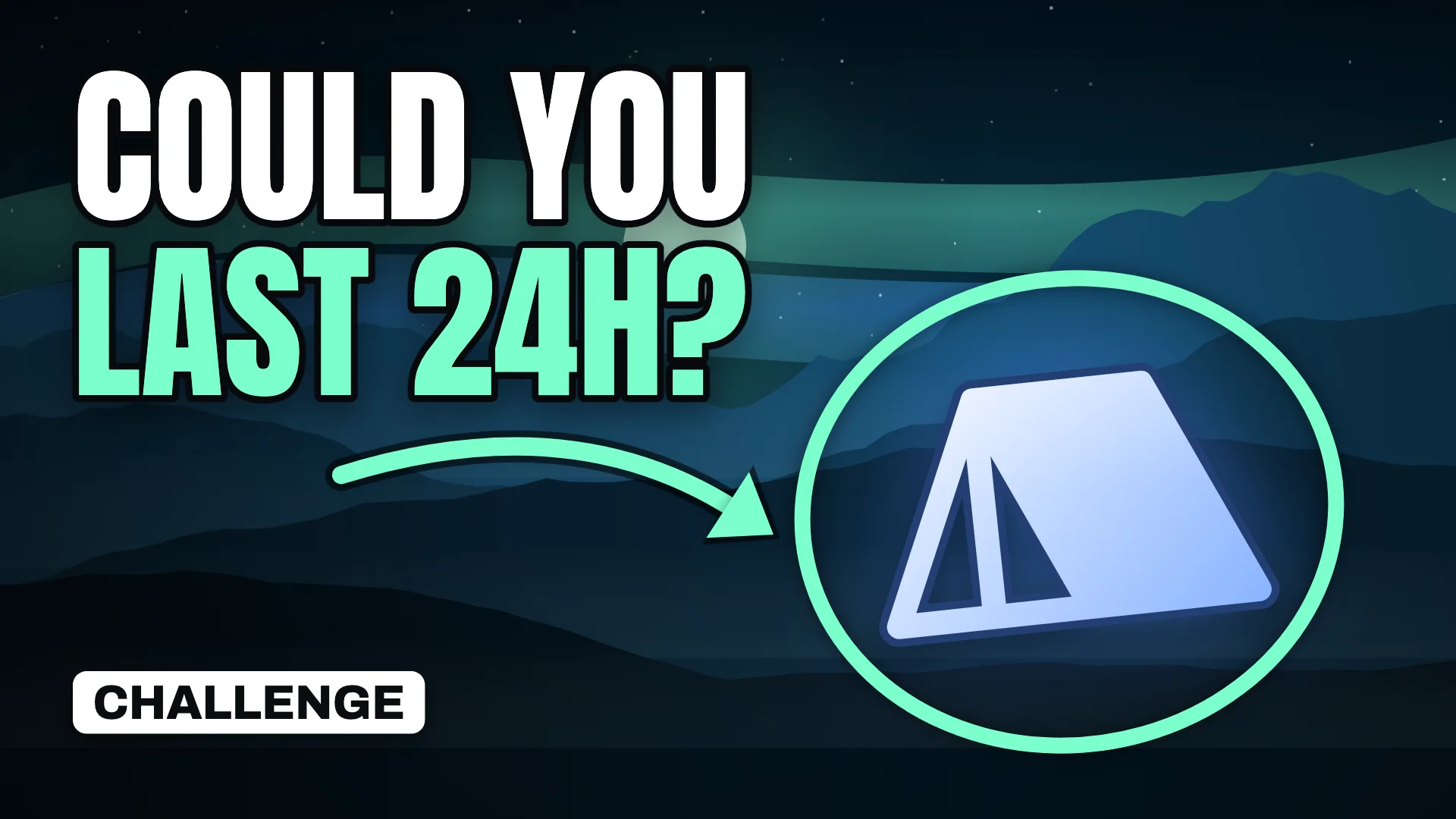
Swap layout, palette, scene and subject in one click to compare directions before you commit.
Background Editing
Clean up, replace or relight the background around your subject.
In developmentText and Typography
Heavy display type with outlines, shadows and auto-fit sizing for small screens.
Available now- Available now
Thumbnail Preview
See your thumbnail in a simulated desktop and mobile feed, next to other videos, before you publish.

Same design at sidebar size
Thumbnail Analysis
Plain-language feedback on readability, contrast and focus. No invented click-through predictions.
In development- Available now
Export Options
PNG or JPG at 1280 × 720, 1920 × 1080 or 3840 × 2160, with the file size shown first.
3840 × 2160
Feature status at a glance
- Thumbnail EditingChange the text, colours, background and subject in the free maker. No design software needed.
- Creator TemplatesTen layouts built around how creators package videos.
- Thumbnail VariationsSwap layout, palette, scene and subject in one click to compare directions before you commit.
- Text and TypographyHeavy display type with outlines, shadows and auto-fit sizing for small screens.
- Thumbnail PreviewSee your thumbnail in a simulated desktop and mobile feed, next to other videos, before you publish.
- Export OptionsPNG or JPG at 1280 × 720, 1920 × 1080 or 3840 × 2160, with the file size shown first.
- AI Thumbnail GenerationDescribe a video and get editable thumbnail concepts, built on the same layouts and type rules you can use today.
- Reference Image WorkflowsUse your photos and past thumbnails as references to keep a consistent channel style.
- Background EditingClean up, replace or relight the background around your subject.
- Thumbnail AnalysisPlain-language feedback on readability, contrast and focus. No invented click-through predictions.
Principles behind every feature
No invented numbers
We do not show predicted click-through rates, view estimates or scores that cannot be verified. Measure real performance in YouTube Analytics.
Your images stay yours
The free tools process images in your browser. Nothing you upload to them is sent to our servers.
Editable, not flat
Text and layout stay editable, so fixing a word never means starting over. The AI features are being built the same way.
Honest status
Every feature on this site is labelled as available now or in development, and we update the labels when things ship.
Your next thumbnail starts here.
Free, private and ready in minutes. No account, no watermark.